For teachers and students
Free teleprompter tools for the classroom. No accounts, no sign-ups.
Students can rehearse a presentation or read a script to the camera on any Chromebook, iPad or laptop. Teachers get guides for recording lessons and running a class studio.
Free tools in the browser
Free online teleprompter
Students paste a script and read it to the camera in any browser, including on Chromebooks and iPads. Set the speed and text size, and mirror the text for teleprompter glass.
No account · no email · nothing to install · the script stays on the devicePractice scripts
11 short scripts to read out loud, from a news read and school morning announcements to a podcast intro. Each opens in the teleprompter.
Free · open in one clickReading fluency passages
8 short passages from first grade to middle school. Students read aloud as the text scrolls at a speed you set.
Free · great for language learners tooSpeech length calculator
Turns a time limit into a word count, or times a script you paste in. Useful for two, three and five-minute presentations.
Free · works in the browserVideo script templates
10 fill-in templates with worked examples, including a 60-second video, a how-to tutorial and a course lesson.
Free to copy and usePodcast script templates
4 templates with examples, including a class podcast, an interview and a school news segment.
Free to copy and usePresentation rubric
A printable rubric with 6 criteria, from content and organization to eye contact, pace and timing.
Free to print and adaptOn a Mac, iPhone or iPad
Avocado for Mac
Free to download · macOS 14 and later · no account
Free
- The script sits right under the camera, in the notch on newer MacBooks or in a window you can move, and stays out of screen shares and recordings
- Fixed-speed scrolling, always free
- Following your voice, free for 3 sessions a week
- Drop in a .pptx and its speaker notes become the script
- Mirror the text for a beam-splitter teleprompter
- See your speaking pace after every rehearsal
With Pro
- Follow Slides: present in Keynote or PowerPoint and the prompter jumps to each slide's notes
- Director Mode: run the prompter from a phone, or show the script on a tablet under glass, over the same Wi-Fi
- Recording Studio: record the take, with captions spelled from your script, saved as an .srt file
Avocado for iPhone and iPad
Free to start · iOS 17 and later
Free
- The script scrolls right under the front camera at a speed you set
- Mirror Text for a glass rig on an iPad
With Pro
- Follows your voice, records the take and adds captions
Share it with your class. Paste this into a course page or a handout.
Avocado: a free online teleprompter for practising presentations and recording video assignments. Works on Chromebooks, iPads and laptops, with no account needed. https://avocadonotch.com/education
For students. Present and record with confidence.
For teachers. Record lessons and run a class studio.
- How to record a video presentation or lecture on a Mac
- How the prompter follows your Keynote or PowerPoint slides
- How to use a teleprompter with PowerPoint or Keynote
- How to make a talking-head video
- How to build a DIY teleprompter for a class studio
- What is a teleprompter? An explainer for students
- Teleprompter for teachers
Morning announcements and student news
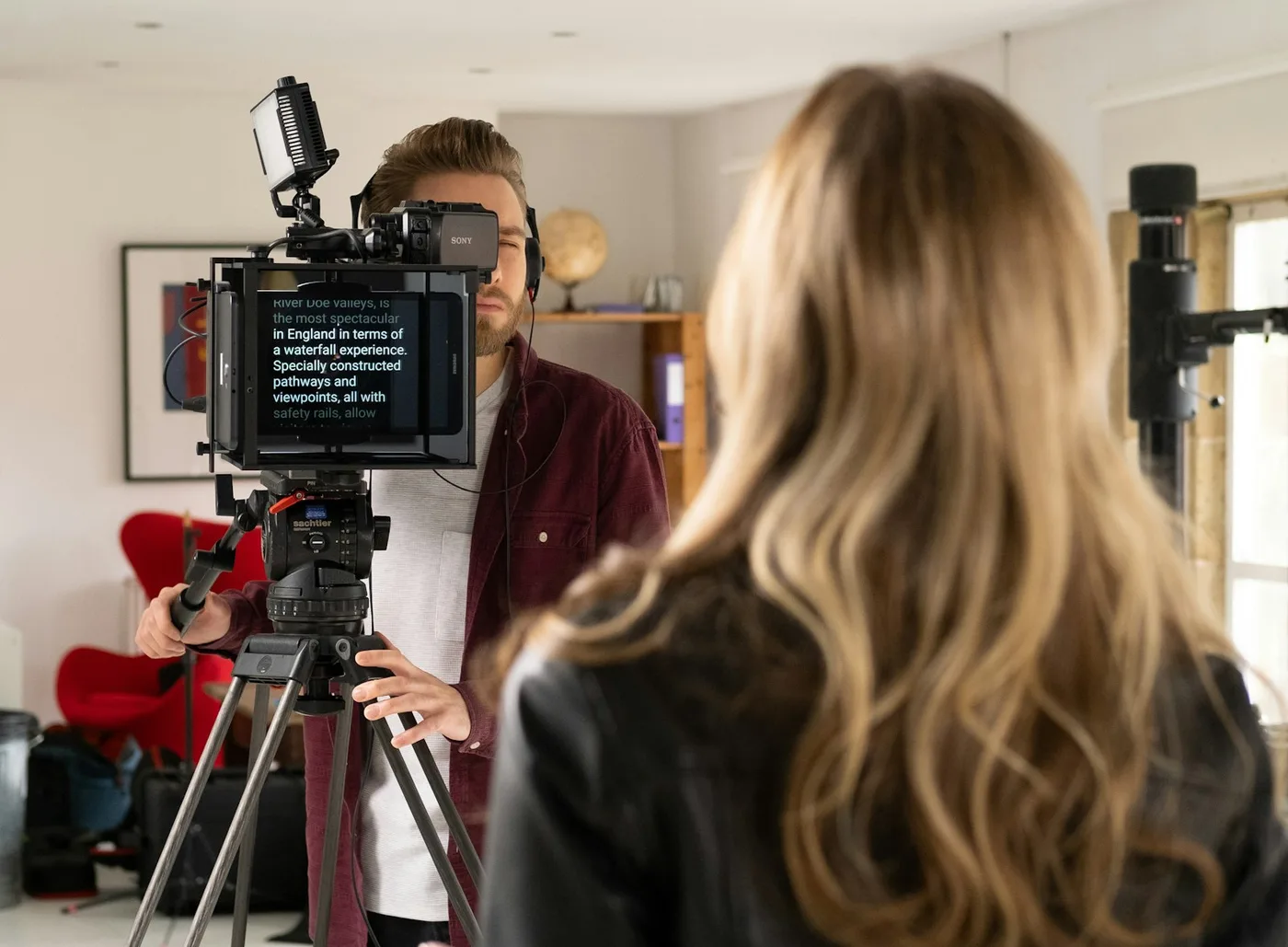
Start the broadcast team on the school morning announcements and news anchor practice scripts. For the studio, put a tablet under teleprompter glass, open the online teleprompter and turn on mirror text. Here's how to build a simple rig from inexpensive parts.
With a Mac in the studio, Avocado Pro's Director Mode lets a student run the prompter from a phone, or show the script on the tablet under the glass, with no extra app, over the same Wi-Fi network. School networks sometimes stop devices from connecting to each other; if yours does, a phone's hotspot can stand in.
More ideas for the classroom
Presentation practice
Have students write their talk the way they speak, time it with the speech length calculator, rehearse it out loud with the online teleprompter scrolling, then present from a few cue words. The full method is in how to give a class presentation without memorizing it, and the presentation rubric scores the same skills.
Reading fluency
The reading fluency passages open in the teleprompter at a starting speed for each level. Read a passage aloud a few times, raising the speed a little each time, or slow it right down for language learners to read along.
Video assignments and podcasts
For a recorded assignment, students can keep the whole script, as long as it sits near the camera: the reading line at the top of the screen, right under the webcam. The video and podcast script templates give them a structure to fill in, and how to make eye contact on camera covers the rest.
Recording your own lessons
On a Mac, drop in a PowerPoint and its speaker notes become the script, read right next to the lens and out of the screen recording. With Pro, the prompter follows the slideshow itself: advance a slide in Keynote or PowerPoint and your notes for it come up. There's a full walkthrough in how to record a video presentation or lecture on a Mac.
Frequently asked questions
Recording a lesson on a Mac? Your notes sit next to the camera, out of the recording.
Free for Mac. No account, no card.