Notch Mode
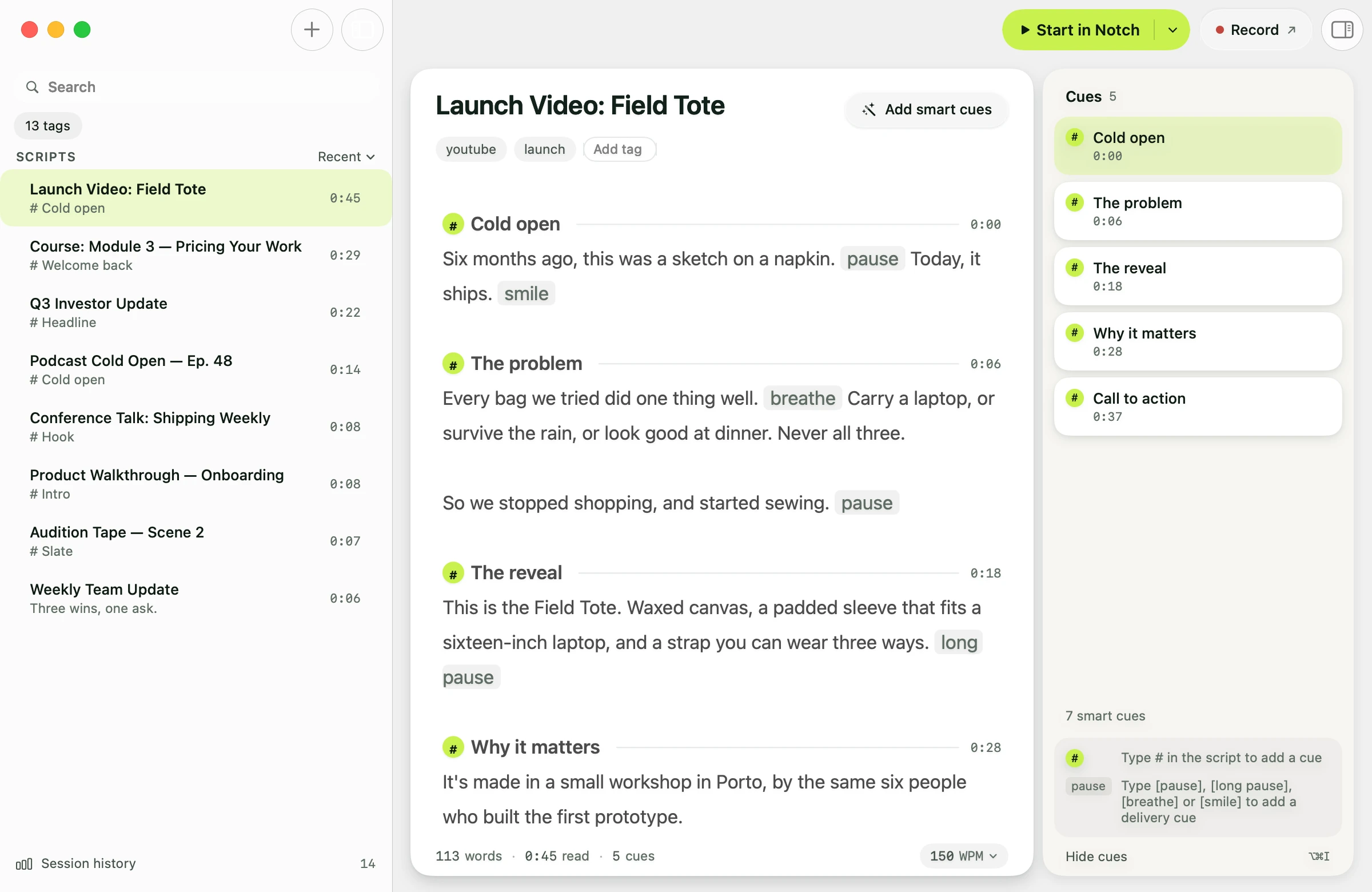
FreeSnaps the prompter window directly into the MacBook camera notch, placing your script at perfect eye level. Maintain natural eye contact without moving your gaze away from the lens. Resize it by dragging its bottom edge or corners, or set an exact width and height in Settings.
Floating Mode
FreeA draggable, resizable window that works on any Mac — including external monitors. Resize it into a narrow sliver or a wide reading block and place it anywhere.
Focus Guide
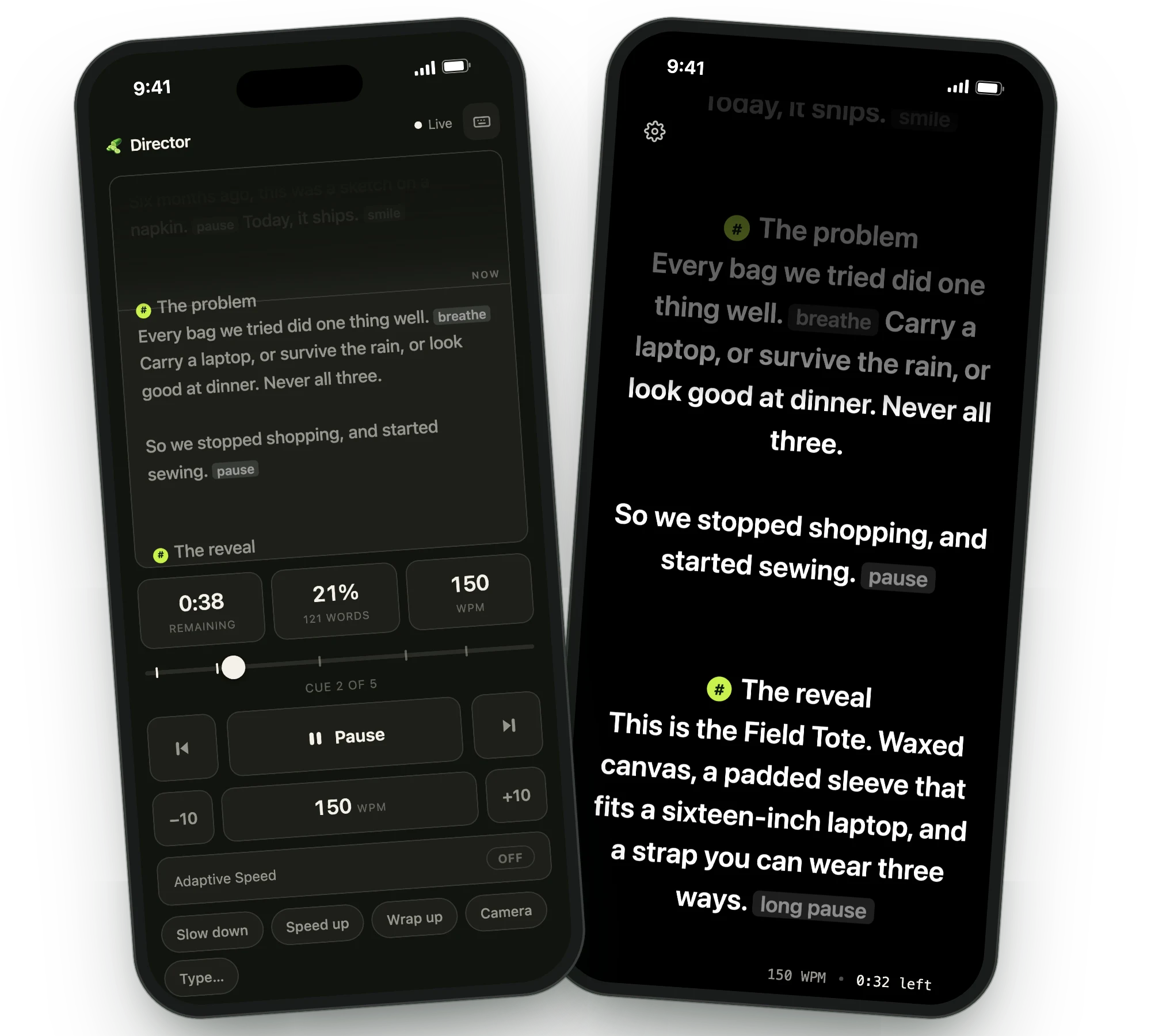
FreeAutomatically dims text you've already read, leaving the active line bright. Your eyes snap back to the right word instantly after glancing away.
Read more →Custom Colors
FreeTint the prompter background and set your text color to whatever reads best for you — high-contrast white on black, a softer palette, or a look that matches your set. Free for everyone.
Mirror Text
FreeFlips the prompter horizontally so text reads correctly through a physical beam-splitter glass. Enable it in Settings → Prompter. The script and the prompter controls flip together, so everything stays legible inside the rig.
Read more →Adjustable Transparency
ProDial the prompter background from solid down to fully see-through, so your slides, camera, or video call stay in view while you read straight through the script. Works in both Notch and Floating modes.
Prompter Typeface
ProRead in the face that suits you. Choose any font installed on your Mac — a serif for long-form delivery, a humanist sans for speed, or the typeface your brand already uses — and the prompter draws your script in it.
Line Spacing
ProSet how much air sits between lines. Open it up so your eye finds the next line instantly on a wide floating window, or tighten it to fit more of the script inside the notch.
Hide Controls
ProStrips away all buttons, progress bars, and stats while you're presenting. Only smooth, translucent text remains — nothing to distract you or your audience.
Click-Through
ProClicks land on the app behind the prompter, so you can advance your slides or run your video call while the script stays where it is. Scrolling over the prompter still moves your script. Works in both Notch and Floating modes.
While it's on, the prompter takes no mouse of its own — hover controls and resize handles stay hidden until you switch it off.
Follow Slides
ProPresent from Keynote or PowerPoint and the prompter keeps up. Each time the slideshow moves, forward, back or straight to slide 12, Avocado puts that slide's notes on your reading line, so the clicker in your hand drives both.
In the version from avocadonotch.com. The Mac App Store version can't control other apps.
Read more →Follow Mouse
ProAvocado Pro automatically leaps to whichever display your mouse is on. Switch between your slide deck screen and your video call screen without dragging a window.