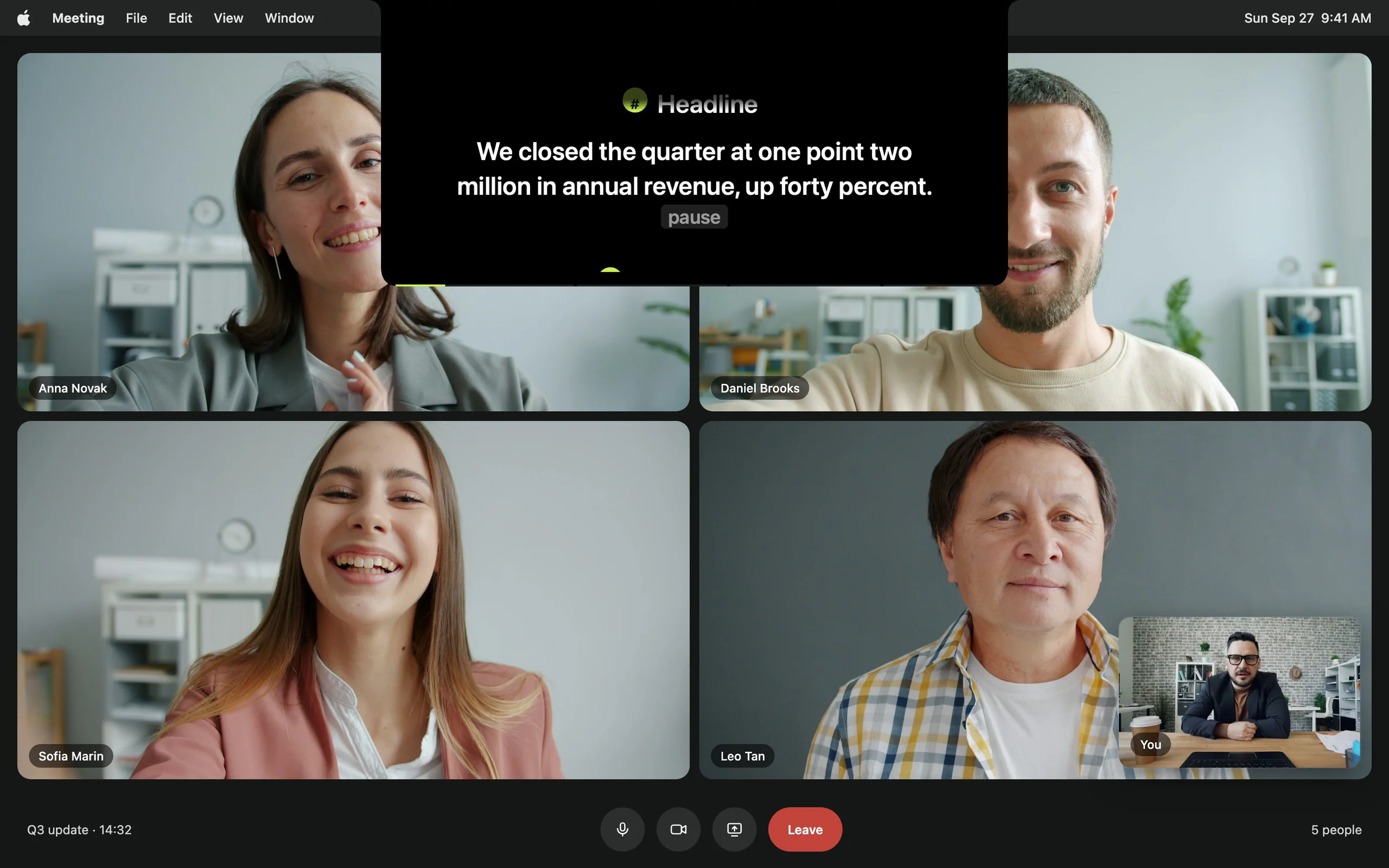
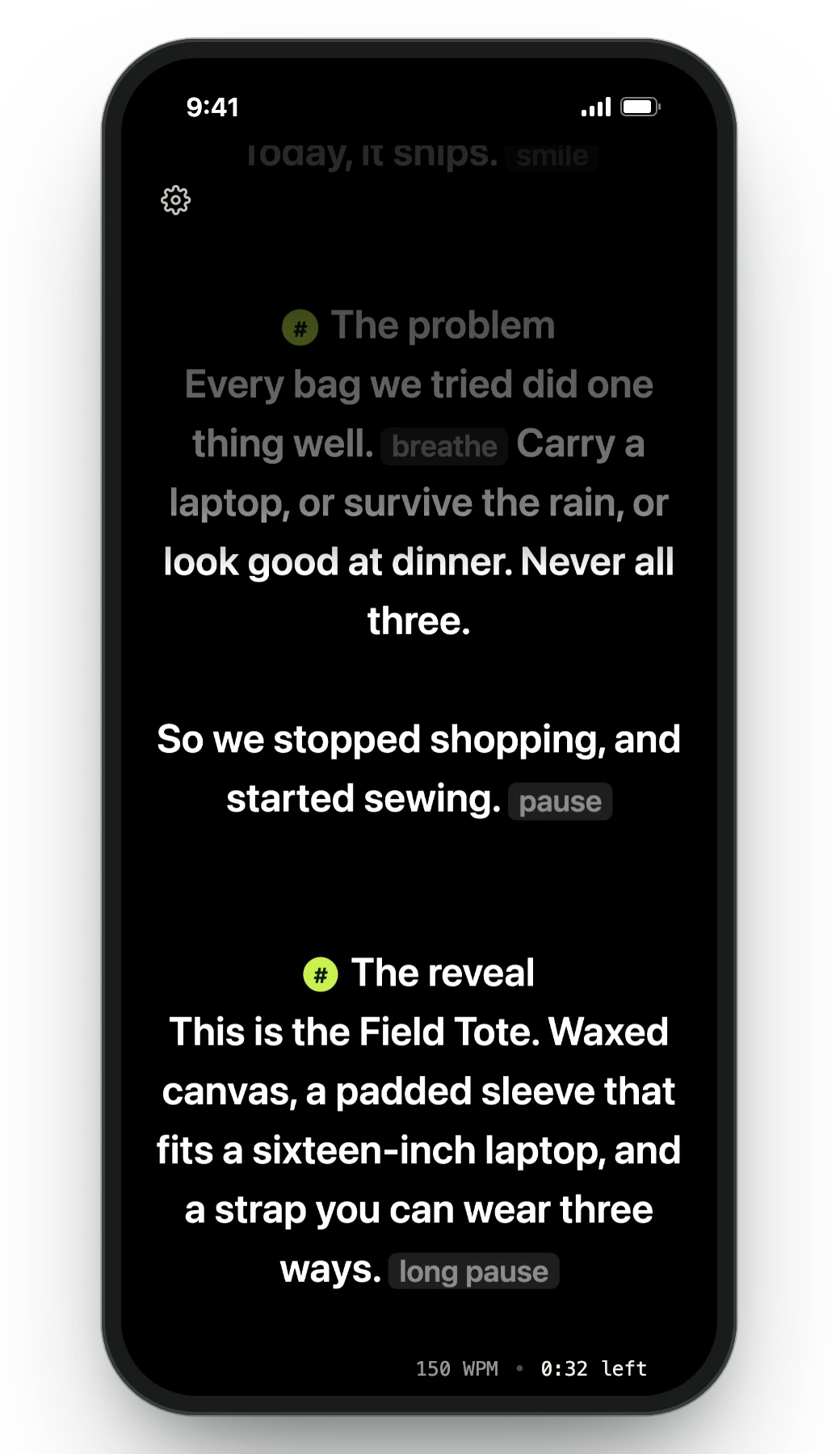
Notchie is the minimal take on notch prompting, and minimal is a real virtue. The question is whether you want only the prompter, or the workflow around it too.
| Feature | Avocado | Notchie |
|---|---|---|
| Pricing | Free · $7.99/mo · $79.99/yr | $29.99 once |
| Usable free tier | Permanent, no card | No |
| Notch placement | Free | Yes |
| Invisible on screen shares | Free | Yes |
| Voice-activated scrolling | Free | Yes |
| Adaptive speed | Free | No |
| Remote control by a second person | Pro | No |
| Prompt on up to 5 devices | Pro | No |
| Rehearsal history & coaching | Free | No |
| PowerPoint (.pptx) import | Free | No |
Feature tables flatten everything into a tick. Here is the part that doesn't fit in a cell.

Notchie is $29.99 up front with no free mode. Avocado's free tier has no expiry and no card: unlimited words-per-minute scrolling, notch and floating modes, screen-share invisibility, Focus Guide, Script Markers, tags and search, and PowerPoint import.

Notchie keeps its surface deliberately small. Avocado handles the unglamorous work around the reading — importing a deck and getting a marker per slide, tagging and searching a script library, and jumping to any section mid-take.
Beyond following your voice, Avocado learns your natural pace and adjusts in real time. On Pro, Apple Intelligence reads the script ahead of you and marks where to pause, push or slow down — all on-device.
Director Mode passes control to a second person's phone over local Wi-Fi. The Viewer puts the same script on up to five devices at once, in sync, with nothing to install on the other end.
When to pick Notchie instead
If a clean, minimal prompter is exactly what you want and $29.99 once suits you better than a subscription, Notchie is a fair choice and the extras here will read as clutter. Pick Avocado if you want to start free, or if the job involves more than one screen.