Use cases
Avocado Use Cases for everyone who talks to a camera.
Whether you are closing deals, teaching students, or recording YouTube videos, Avocado has a specific use-case built for you.
Calls and meetings Read your notes while you look at the people.

Teleprompter for Zoom
A free teleprompter for Zoom on Mac. Read your notes right under the camera, hidden from screen shares and recordings, even when you share your whole desktop.
Read more →
Teleprompter for Google Meet
Mac teleprompter invisible on Google Meet. Read your script at the lens, hidden from every screen share. Voice-activated and native to macOS. Free.
Read more →
Teleprompter for Teams
Enhance your Microsoft Teams presentations. Avocado is the invisible teleprompter that stays hidden while you read seamlessly.
Read more →
Teleprompter for Sales
Close more deals with perfect virtual pitches. Avocado ensures you hit every talking point without breaking eye contact.
Read more →
Teleprompter for Presentations
Deliver powerful virtual presentations with confidence. The invisible teleprompter for Mac that ensures perfect eye contact.
Read more →
Invisible Teleprompter
The only Mac teleprompter completely undetectable on Zoom, Teams, Google Meet, and any screen recording. Visible to you — invisible to everyone else.
Read more →Videos and streams Deliver the take in one go.

Teleprompter for YouTube
Record flawless YouTube videos directly from your Mac without retakes. Our voice-tracking teleprompter adapts to your speed.
Read more →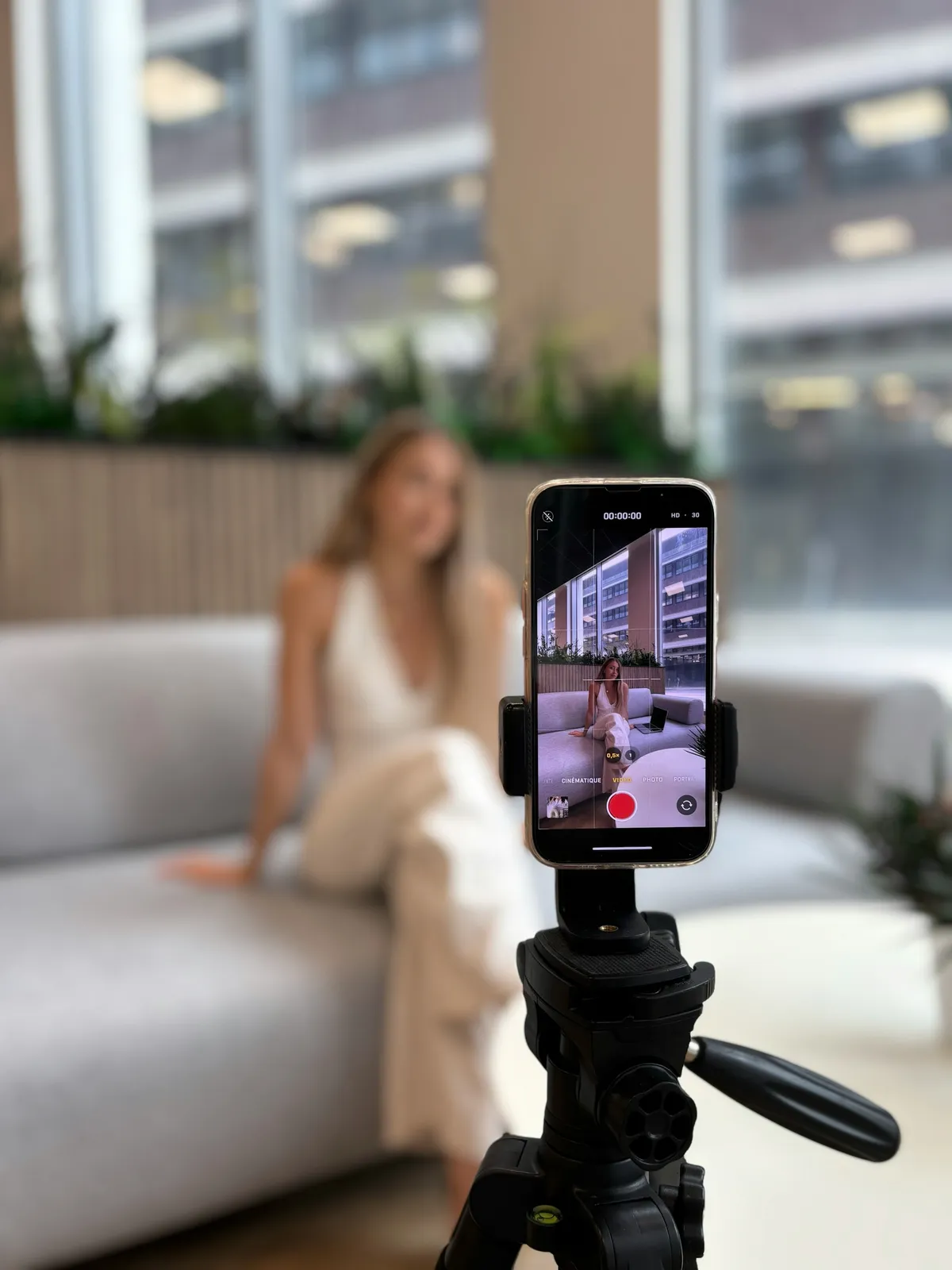
Teleprompter for TikTok
Create punchy, fast-paced TikToks and Reels using your Mac. Avocado keeps your eyes glued to the lens.
Read more →
Teleprompter for Loom
Record perfectly polished Loom videos in one take. Keep eye contact and read gracefully from your screen.
Read more →
Teleprompter for Tutorial Videos
Record cleaner developer tutorials and technical screencasts on your Mac. Avocado keeps your script at the camera so you look confident, not scripted.
Read more →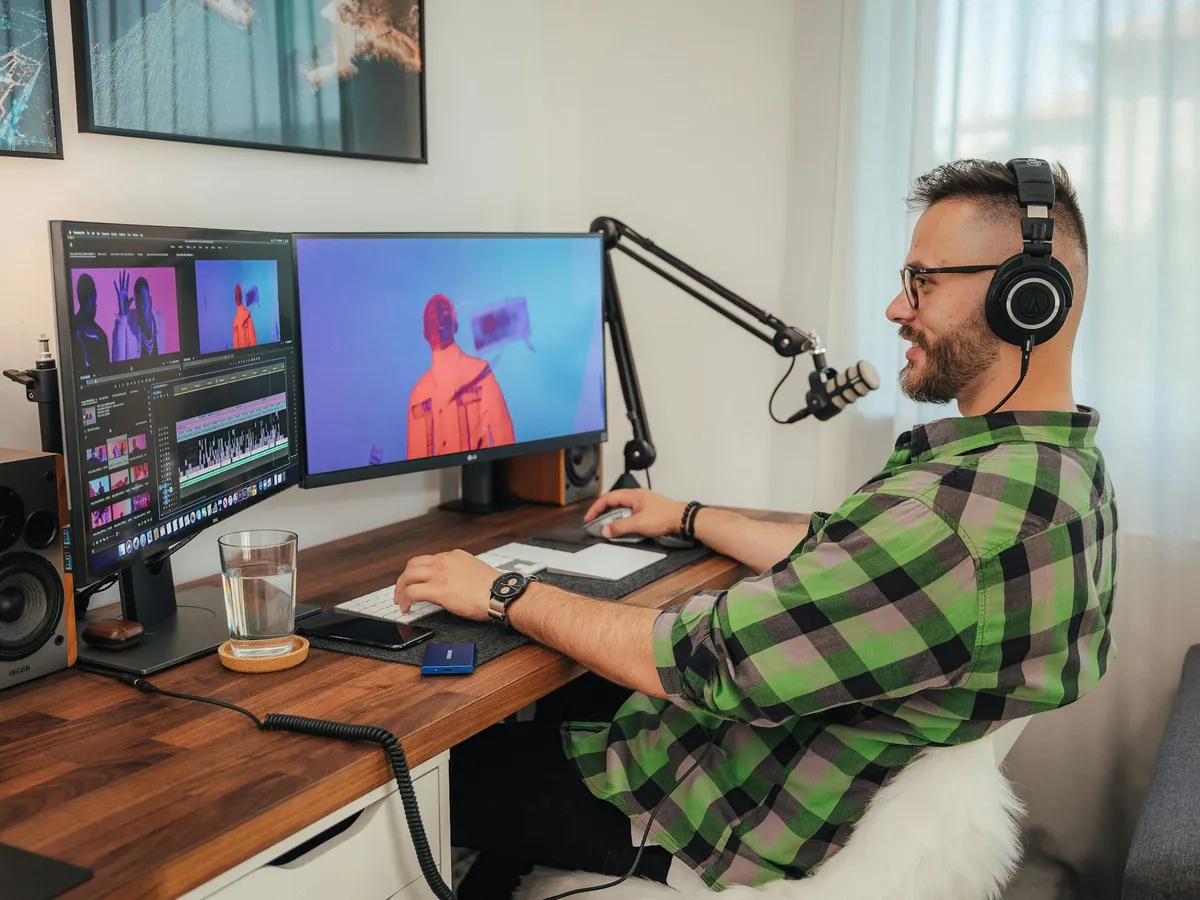
Teleprompter for OBS
Stream flawlessly with OBS Studio using Avocado, the teleprompter that stays out of your capture windows.
Read more →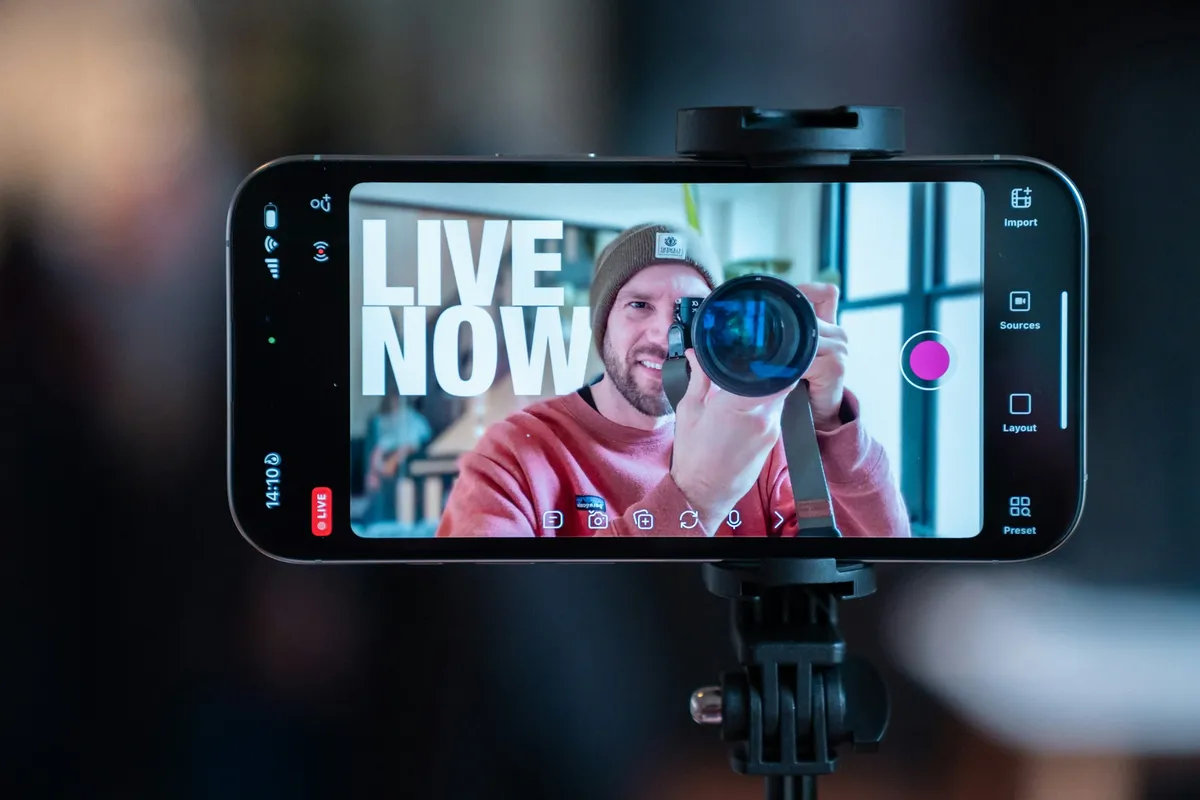
Teleprompter for Livestreaming
Mac teleprompter for Twitch and YouTube Live that disappears from OBS. Read without breaking eye contact, hidden from stream capture. Free.
Read more →
Teleprompter for Podcasts
Stay engaged with your co-hosts and guests. The perfect teleprompter for recording video podcasts on a Mac.
Read more →Teaching and performing For lessons, stages and auditions.

Teleprompter for Online Course Creation
Record polished online course lessons on Mac without retakes. Avocado's voice-tracking teleprompter keeps you on script with natural eye contact.
Read more →
Teleprompter for Educators
Teach remote classes with confidence. A simple, floating teleprompter that helps educators deliver lessons perfectly.
Read more →
Teleprompter for Conference Talks
Deliver recorded conference talks and academic presentations with precision. Avocado keeps your script at camera level so your delivery is natural, not read.
Read more →
Teleprompter for Auditions
Record professional self-tape auditions without looking like you're reading. Avocado positions your script at the camera lens for natural eye contact.
Read more →
Teleprompter for Musicians
Avocado helps musicians create polished video content — release announcements, fan updates, label pitches — without a production team. Free for Mac.
Read more →More Setups and specifics.

Teleprompter for Mac
The native macOS teleprompter built for the modern professional. Avocado perfectly integrates into your notch for flawless delivery.
Read more →
Free Teleprompter
A gorgeous, completely free teleprompter app for macOS. Invisible to screen sharing and perfect for your next meeting.
Read more →
Teleprompter for Hardware Rigs
The only Mac teleprompter with native Mirror Text for beam-splitter glass rigs. Pixel-perfect mirrored rendering with voice-activated scrolling.
Read more →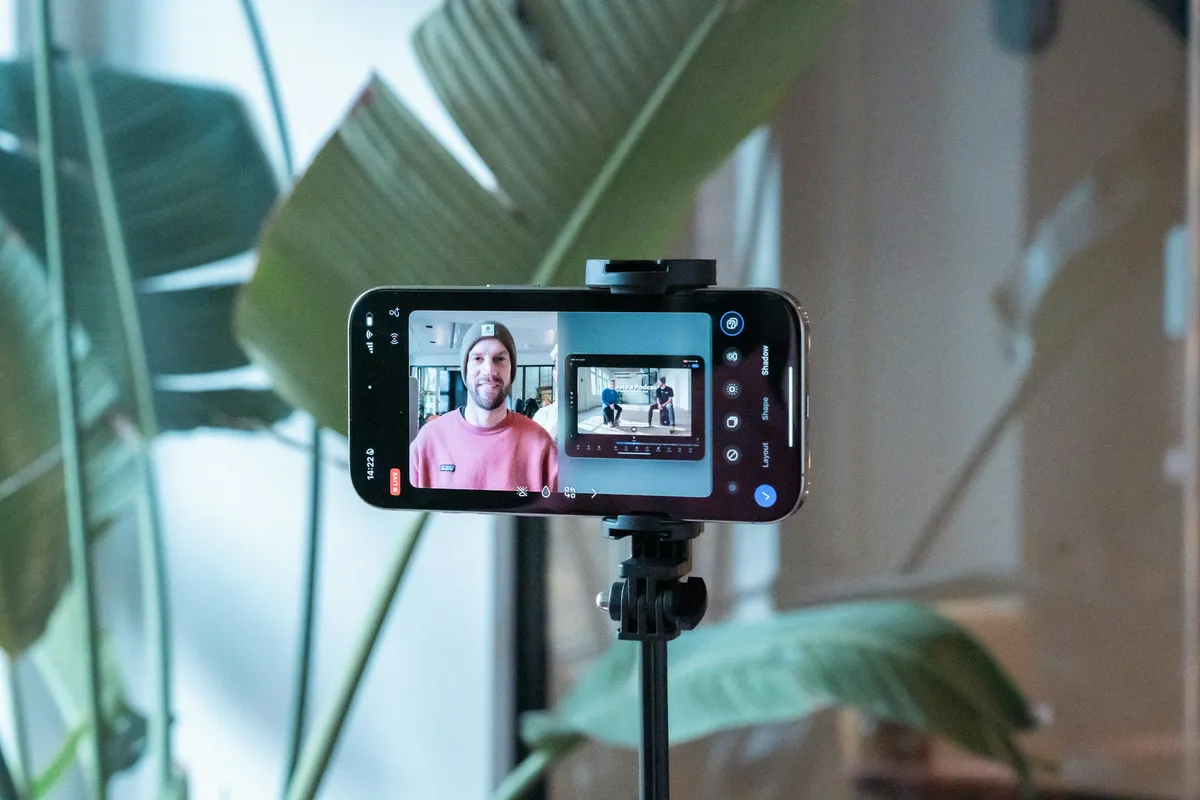
Use Your iPhone or iPad as a Teleprompter
Turn any iPhone, iPad, or device into a live teleprompter display — no app download required. Open a URL in Safari on the same Wi-Fi as your Mac.
Read more →Your next take starts under the lens.
Free for Mac. No account, no card.
