Use cases · Hardware Rigs
Teleprompter Software for Hardware Rigs
Beam-splitter teleprompter rigs require horizontally mirrored text. Avocado's Mirror Text toggle delivers exactly that — native, pixel-perfect flip with no workarounds, no printed overlays, and full voice-activated scrolling.
Why it works for Hardware Rigs. Four things you get the moment you open it.
Invisible on Hardware Rigs
Left out of every screen share, recording and screenshot, whatever you share.
Right under the camera
Notch Mode puts the words where your eyes should be, so you read toward the lens.
Scrolls with your voice
Speak and it moves. Pause and it waits. No clicker, no second person.
Private and on-device
Speech recognition and the AI features run on your Mac, and it works offline.
In detail
Avocado for Hardware Rigs
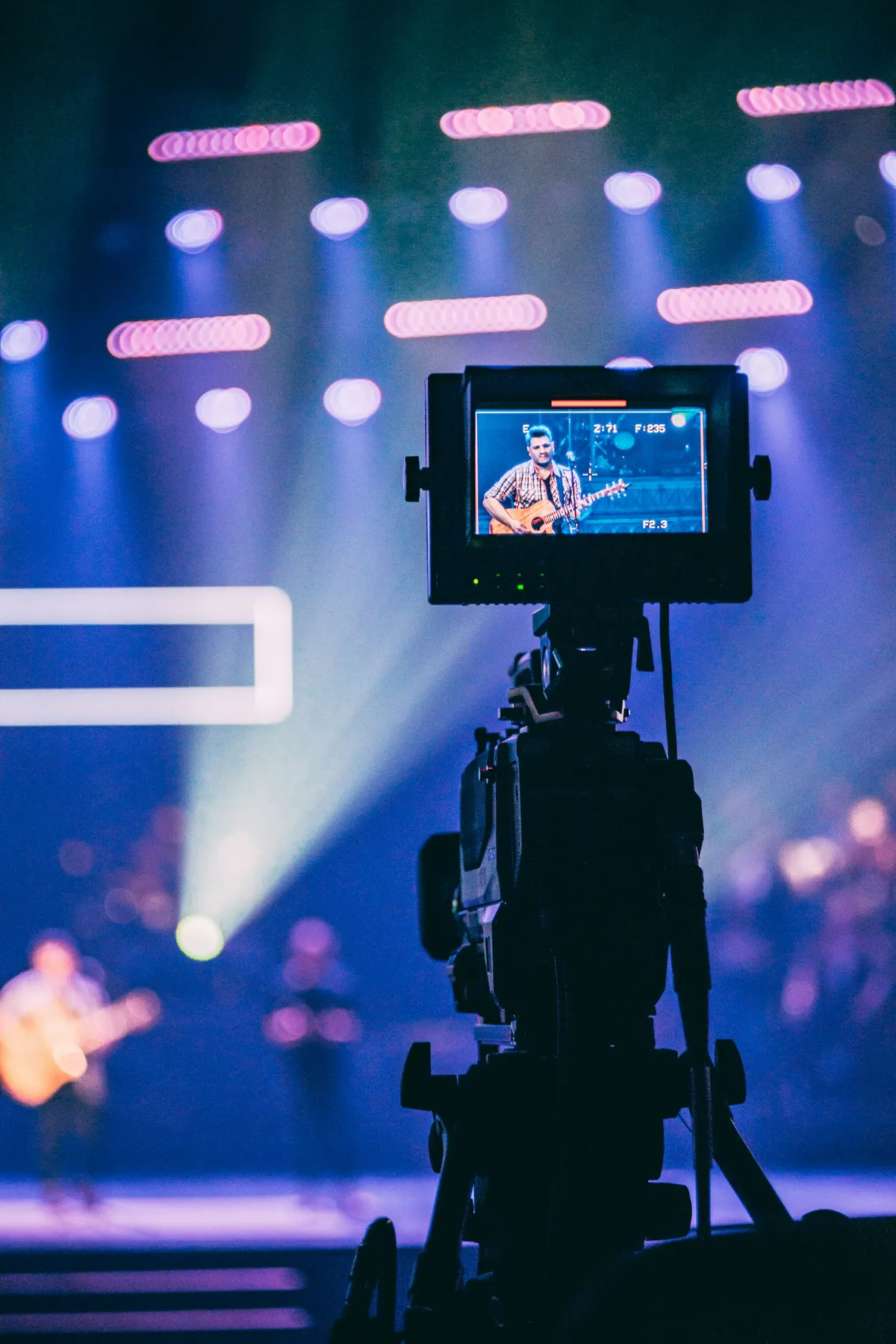
Physical teleprompter rigs — the kind you see in professional broadcast studios, used by journalists, executives, and filmmakers — work by reflecting text off a half-silvered beam-splitter glass mounted in front of the camera lens. The glass is angled so the camera looks through it while the operator reads the reflection. Because the text is reflected, it must be horizontally mirrored in software before reaching the glass — otherwise every word reads backwards.
Most Mac teleprompter apps don't support this at all. Workarounds involve editing CSS in a browser, flipping an external display, or using a third-party mirror utility that introduces lag and compatibility issues. Avocado handles it natively: a single Mirror Text toggle in Settings → Prompter flips the prompter content horizontally so your rig reads it correctly. The stats pill mirrors independently, so word count and speed remain legible from the operator position outside the rig.
Voice-activated scrolling works the same in mirrored mode. Your Mac's on-device speech recognition drives the scroll speed while the text is flipped — there's no degradation in responsiveness or accuracy. If you use a remote operator on set, Director Mode lets them control play, pause, scroll speed, and position from any phone or laptop on the same Wi-Fi. For compact single-operator rigs, you can also use the Teleprompter Viewer to display the mirrored feed directly on a phone or tablet mounted in the rig — no second Mac required.
Avocado works with any beam-splitter rig that connects to a Mac display output: dedicated prompter monitors, iPad mounts, budget glass kits, and studio-grade broadcast hardware alike. The only requirement is that your Mac's display (or an external monitor connected to it) is the source the glass reads from.
Questions about Avocado for Hardware Rigs.
Avocado has a native Mirror Text toggle in Settings → Prompter that horizontally flips the prompter display so text reads correctly through beam-splitter glass. It works with any hardware rig that uses a Mac display as its source — no third-party utilities or browser workarounds needed.
In Avocado, open Settings → Prompter and enable Mirror Text. The entire prompter window flips horizontally. The stats overlay mirrors independently so it stays readable from the operator position. Voice-activated scrolling and all other controls continue to work normally in mirrored mode.
Yes — Avocado's voice-activated scrolling works in all display modes, including mirrored. Your Mac's on-device speech recognition advances the script at your speaking pace while the text is flipped for the glass. No remote, no foot pedal, and no manual speed adjustment required.
Avocado works with any rig that reads from a Mac display output — dedicated prompter monitors connected via HDMI or USB-C, iPad mounts in Floating Mode, or budget glass kits positioned over your MacBook screen. Mirror Text is the only software requirement; Avocado imposes no hardware-specific constraints.


Your next take starts under the lens.
Free for Mac. No account, no card.