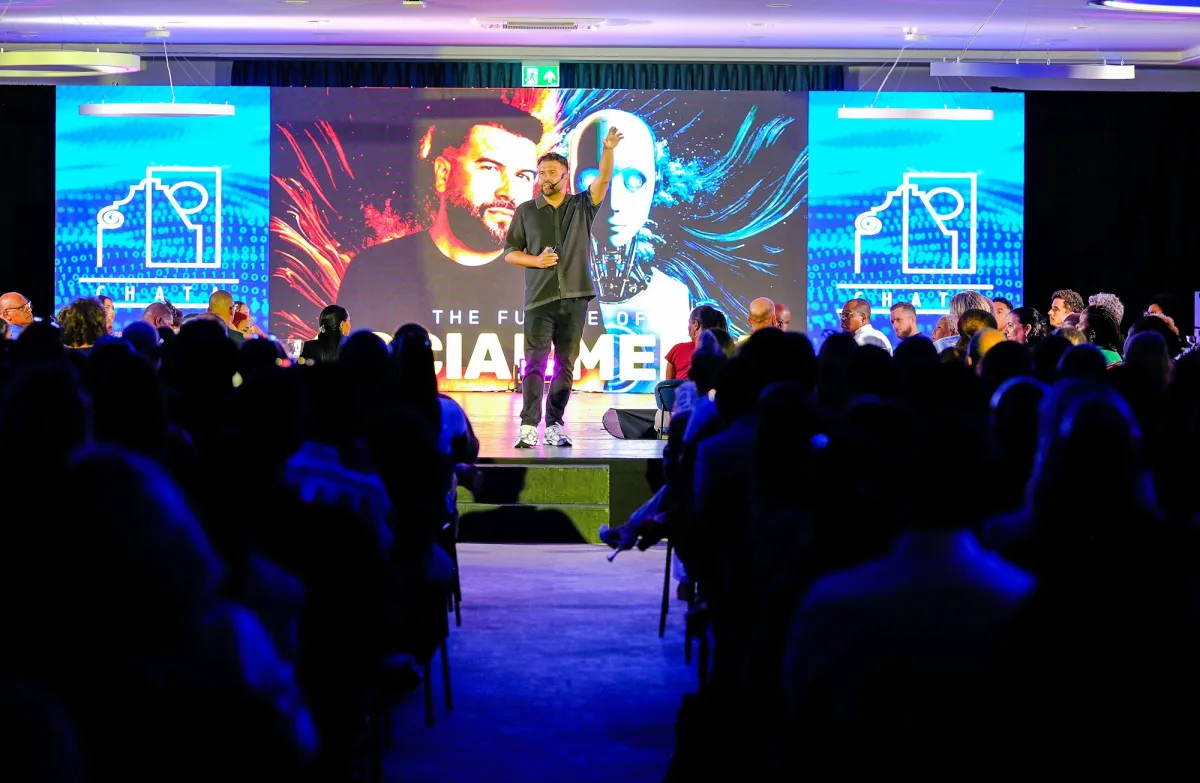
Use cases · Conference Talks
Teleprompter for Conference Talks
Conference presentations demand precise language, controlled pacing, and the appearance of fluent expertise. Avocado lets you deliver all three — whether you're recording a pre-recorded talk or presenting live on video.
Why it works for Conference Talks. Four things you get the moment you open it.
Invisible on Conference Talks
Left out of every screen share, recording and screenshot, whatever you share.
Right under the camera
Notch Mode puts the words where your eyes should be, so you read toward the lens.
Scrolls with your voice
Speak and it moves. Pause and it waits. No clicker, no second person.
Private and on-device
Speech recognition and the AI features run on your Mac, and it works offline.
In detail
Avocado for Conference Talks
Academic and professional conference talks carry a precision requirement that most casual presentations don't. The terminology matters. The citation order matters. The argument structure matters. Improvising a 20-minute technical presentation risks mangling the exact phrasing of a finding, omitting a key caveat, or getting the sequence of evidence wrong in ways that are hard to fix in post. A teleprompter solves this by keeping a carefully prepared script at eye level, so you deliver exactly what you wrote — with the appearance of natural, fluent expertise rather than reading. Avocado positions the script in the MacBook notch, directly at the camera, which is critical for recorded talks: viewers should feel like you're speaking to them, not consulting notes off to the side. Voice-activated scrolling matches the prompter pace to your natural delivery so you're never rushing to catch up or waiting for the script to arrive. Script Markers create a navigable structure for multi-section talks, so jumping back to re-record a segment is fast and precise. For researchers presenting on embargoed findings, grant proposals, or pre-publication results, Avocado runs entirely on-device — your presentation content stays on your Mac.
Questions about Avocado for Conference Talks.
Yes — for virtual conference talks on Zoom, Hopin, or similar platforms, Avocado is excluded from the video feed entirely. Your script scrolls in the notch above the camera while attendees see you speaking directly to the lens.
Most speakers use Avocado for key transitions, precise data points, and opening and closing language — sections where exact wording matters. Voice-activated scrolling means you aren't managing any controls during the talk itself, which keeps your hands and attention free.
For pre-recorded keynotes, Avocado works alongside any recording software on macOS and is excluded from the captured output. The notch placement makes it suitable for front-facing camera setups where looking at a side monitor would break the illusion of direct audience address.
With Avocado, the script is directly above the camera, minimizing visible eye movement. The tell is not the tool but the delivery — speakers who read word-for-word rather than using the teleprompter as a guide tend to sound scripted. Most experienced speakers use it for structure and land on the camera with natural pacing.


Your next take starts under the lens.
Free for Mac. No account, no card.