
Avocado/Compare/vs. Teleprompter.com
Download

Avocado vs. Teleprompter.com

A feature-by-feature breakdown of why creators, educators, and enterprise professionals choose Avocado over Teleprompter.com.

macOS 14.0 Sonoma or newer
Free to start
No account needed
Detailed feature comparison between Avocado and Teleprompter.com
FeatureAvocadoTeleprompter.com
Invisible on Screen SharesVaries
Native macOS (SwiftUI)
Voice-Activated SpeedAdd-on
Pricing Model$19.99 LifetimeSubscription
100% On-Device Privacy
PowerPoint (.pptx) Import
Follow Mouse (Multi-Monitor)Pro
Director Mode (remote control)Pro

Why professionals choose Avocado over Teleprompter.com

No Subscriptions. 100% Private.

Avocado doesn't lock you into a monthly fee, nor does it track your analytics. For a single lifetime payment, you get a premium tool that processes everything entirely offline.

Designed for the MacBook Notch

While others float randomly on the screen, Avocado docks seamlessly into your MacBook's notch to give you the absolute perfect eye-level reading angle.

Smart Focus Guide

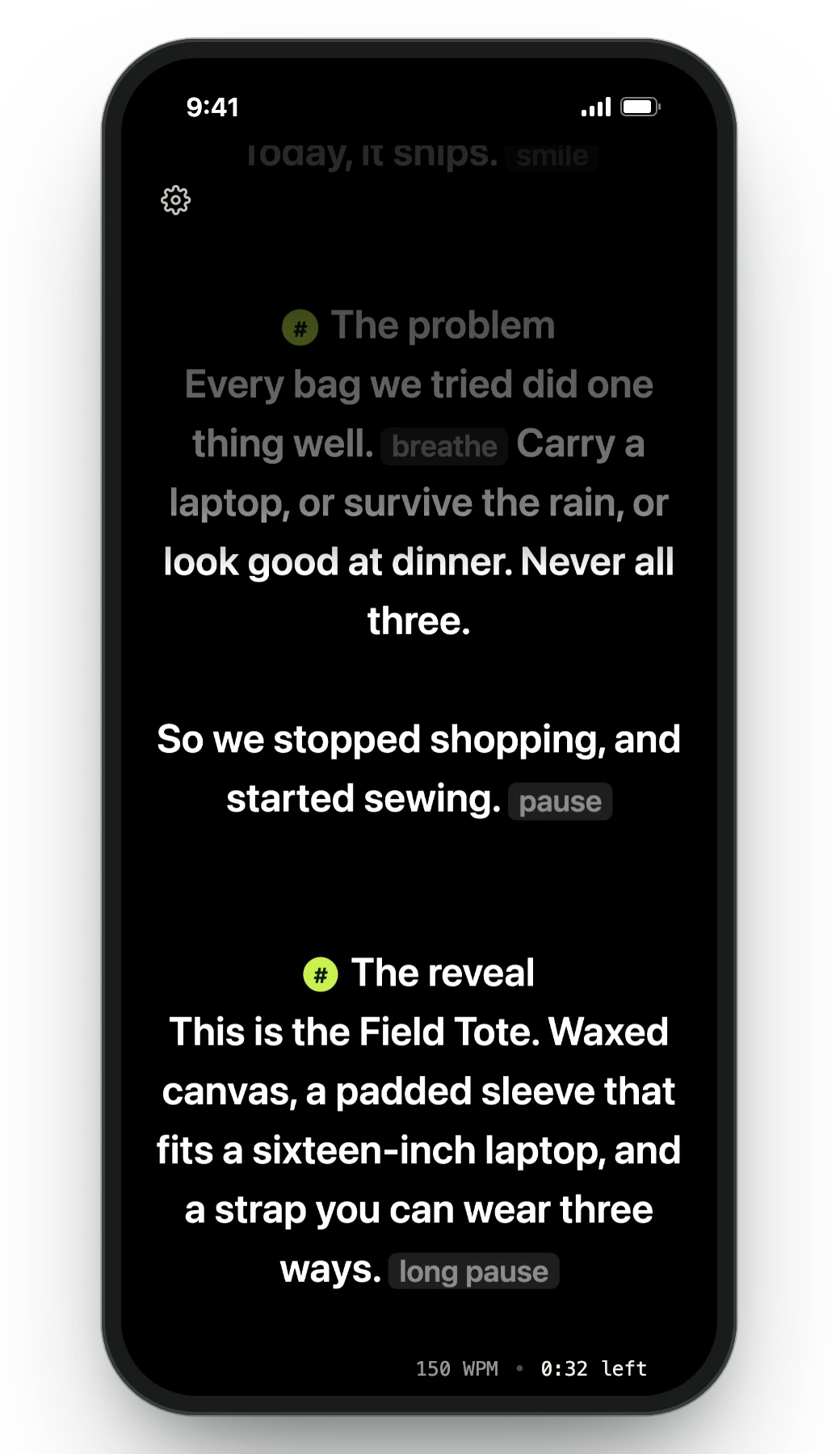
Avocado introduces an elegant focus guide that automatically dims text you've already read, making it visually effortless to keep your pace even during fast presentations.

Zero Distractions

With Avocado, you can completely hide all reading stats, playback buttons, and progress indicators while presenting for the cleanest visual experience possible.

Frequently Asked Questions

What's the difference between Avocado and Teleprompter.com?
Teleprompter.com is a web-based service that runs in a browser tab, requires an account, and charges a monthly or annual subscription. Avocado is a native macOS app — no browser, no account, no subscription, and no data sent to a server. Avocado also runs in the MacBook notch and is excluded from screen capture, which a browser tab cannot do.
Can Teleprompter.com be used invisibly on Zoom or screen share?
No — Teleprompter.com runs as a browser tab, which appears in any screen share and can be captured by recording software unless you manually crop or hide it. Avocado is excluded from all captures at the macOS WindowServer level, making it genuinely invisible without any workarounds.
Is a web-based teleprompter safe to use with confidential scripts?
Web-based teleprompters including Teleprompter.com transmit your script content to external servers. Avocado runs entirely on-device — your scripts are never sent anywhere and remain on your Mac. For legal, medical, financial, or otherwise sensitive content, on-device processing is meaningfully more private.
Does Teleprompter.com work offline?
Teleprompter.com requires an internet connection as a web app. Avocado works fully offline with no network dependency — useful for recording in studios, locations with unreliable Wi-Fi, or any environment where you can't guarantee a connection.