Use cases · Podcasts
Teleprompter for Video Podcasts
Flow naturally through your podcast outlines and ad reads. Avocado's voice-activated scrolling ensures you never lose your place while talking to your guests.
Why it works for Podcasts. Four things you get the moment you open it.
Invisible on Podcasts
Left out of every screen share, recording and screenshot, whatever you share.
Right under the camera
Notch Mode puts the words where your eyes should be, so you read toward the lens.
Scrolls with your voice
Speak and it moves. Pause and it waits. No clicker, no second person.
Private and on-device
Speech recognition and the AI features run on your Mac, and it works offline.
In detail
Avocado for Podcasts
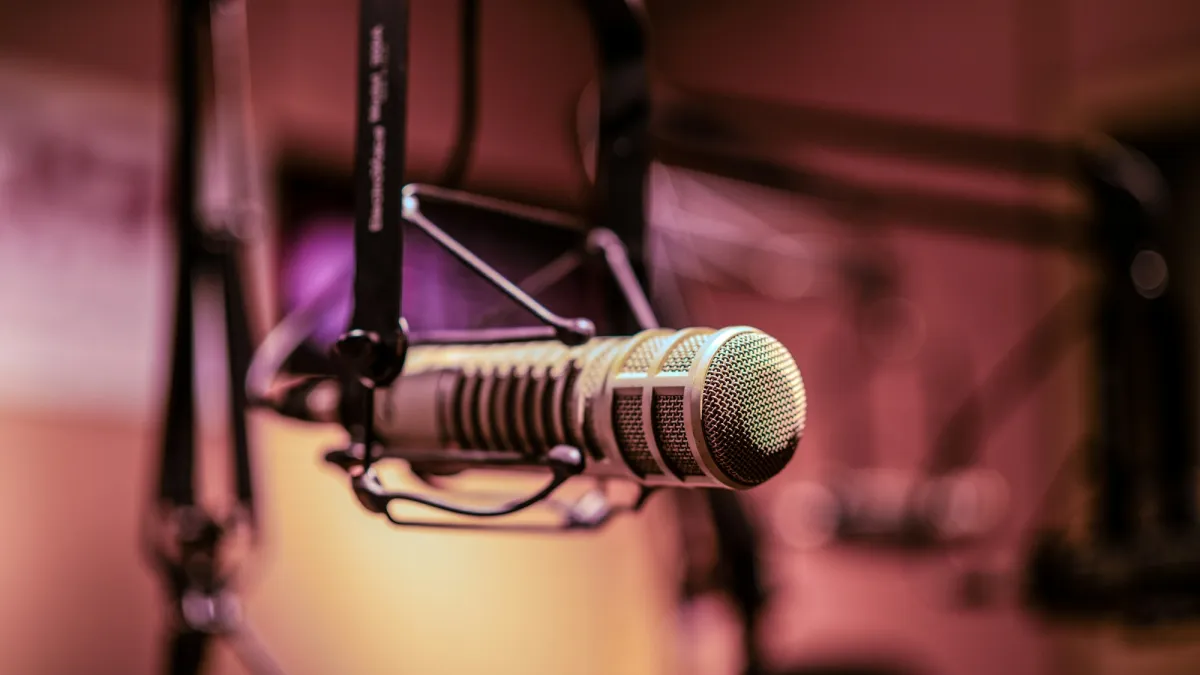
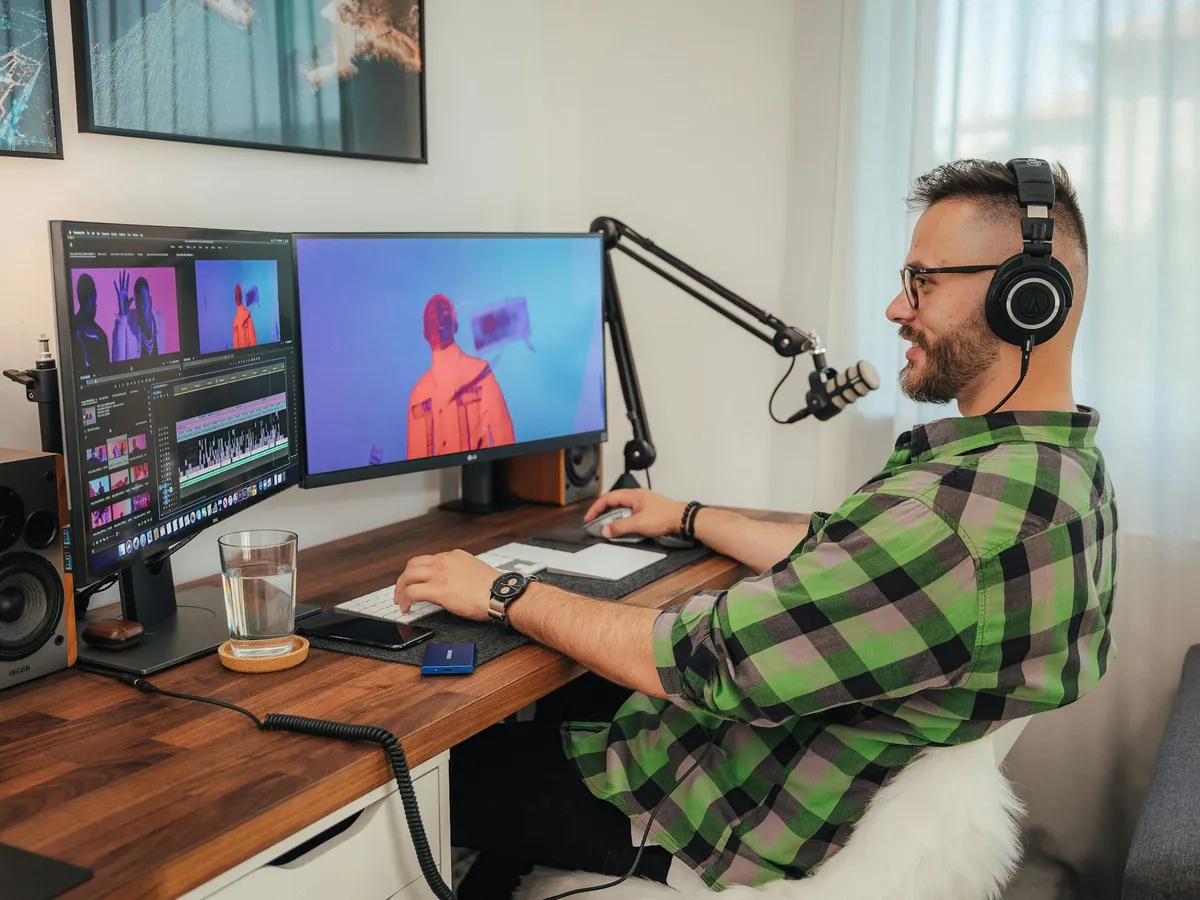
Live video podcasting requires juggling a million things: your microphone interface, OBS Studio layouts, your guest's feed, and your show notes. Avocado is an excellent teleprompter for podcasting specifically because of how cleanly it handles sponsor reads and bulleted outlines. Instead of breaking conversational flow by loudly clicking a mouse or desperately looking at another monitor, host ad reads become seamless. You stare directly into the the camera lens—which builds audience trust immensely for sponsors—and simply let Avocado's voice engine adapt perfectly to your reading speed.
Questions about Avocado for Podcasts.
Avocado sits in the MacBook notch above the camera and is excluded from video capture by macOS, so it won't appear in your video podcast feed or recordings. You can reference an outline or key talking points while maintaining eye contact throughout the episode.
Most podcasters don't use a word-for-word script — they keep an outline of segments, questions, and key points. Avocado works equally well for this: paste your episode structure into the script field and let it scroll as a subtle reference while you speak naturally.
Solo episodes often require more structure than interviews, and Avocado is well-suited to that. You can write a loose script or detailed talking points, and voice-activated scrolling follows your delivery pace without forcing you into a rigid reading speed.
No — Avocado runs independently of any audio or video recording software. It works entirely on-device without intercepting your podcast audio. Riverside, Zencastr, Squadcast, and local DAWs all run alongside it without conflict.
More ways people use it.
All use cases →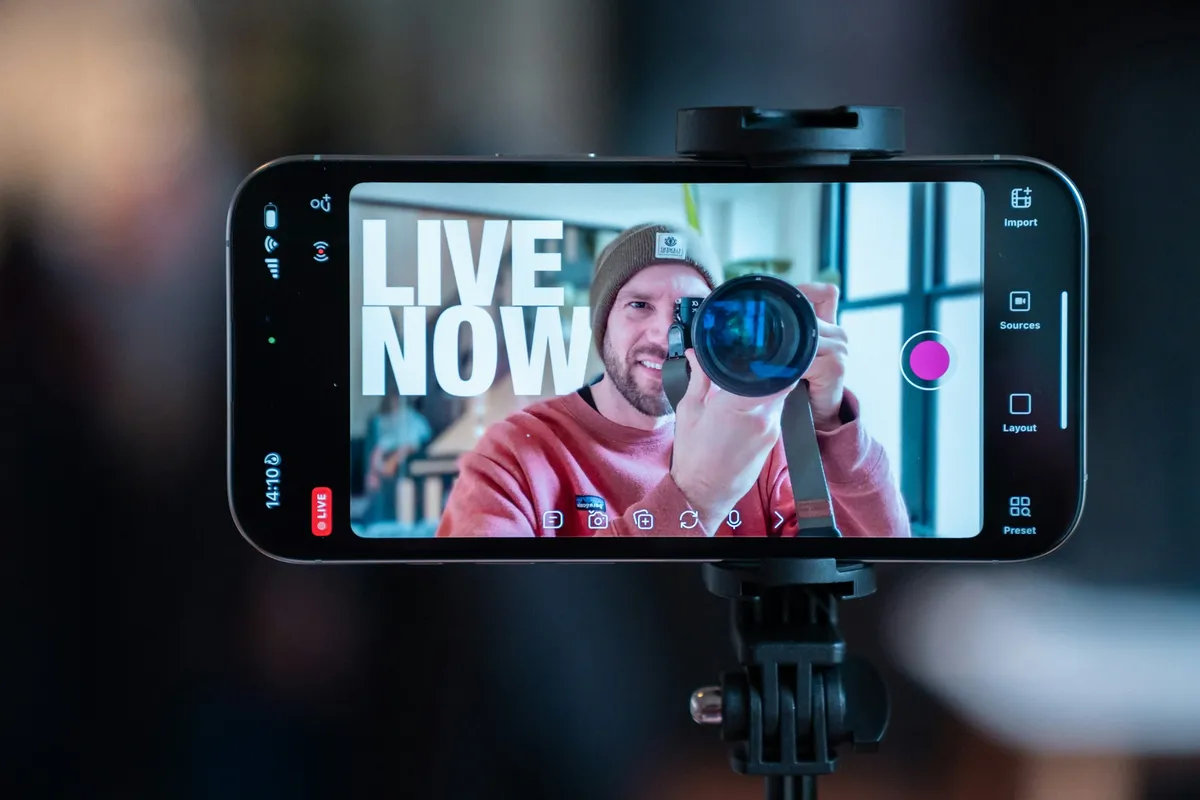
Your next take starts under the lens.
Free for Mac. No account, no card.