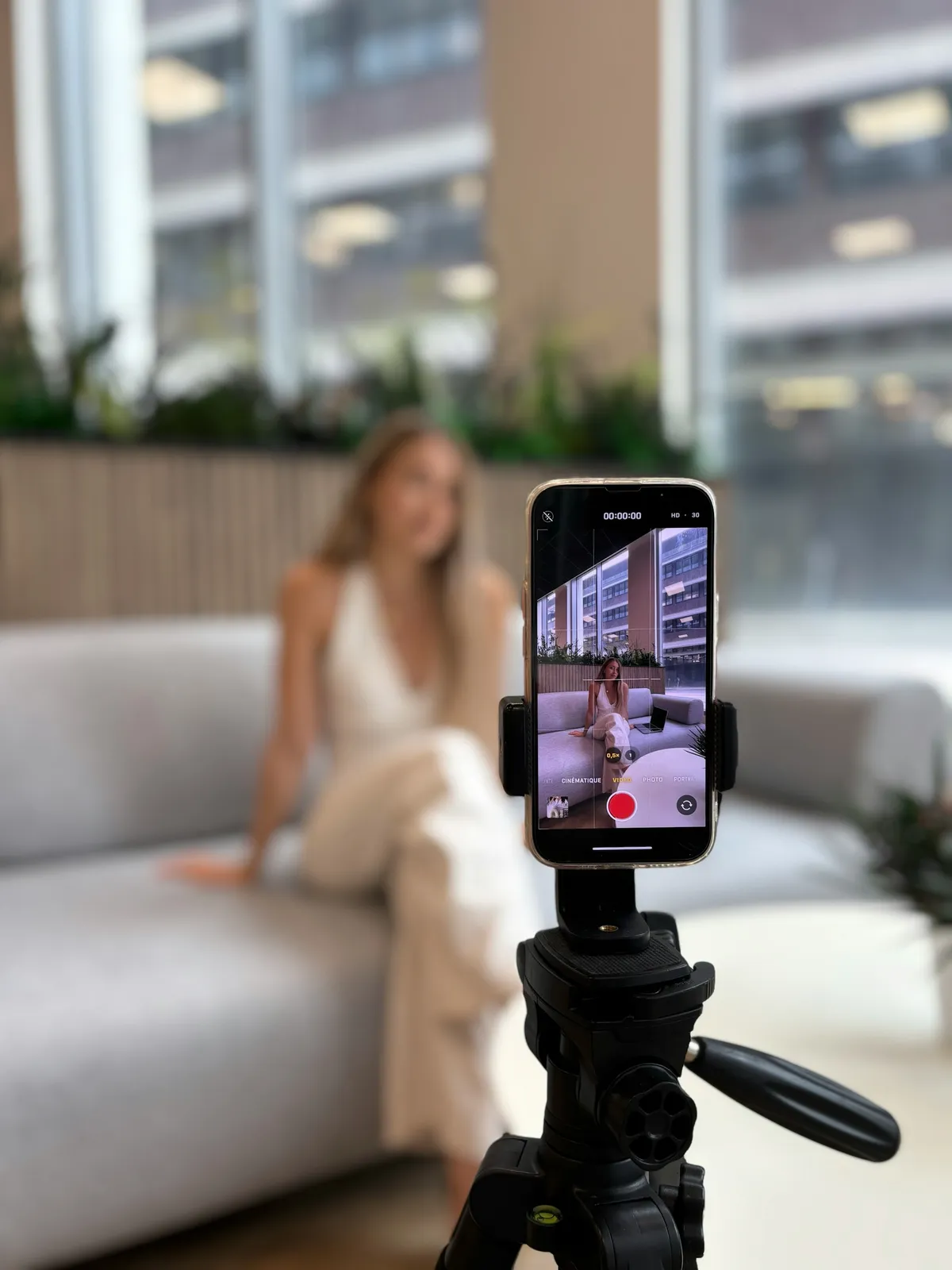
Use cases · TikTok
Teleprompter for TikTok & Reels
Record engaging short-form content with your Mac's webcam. Avocado's adaptive scrolling ensures you never stumble over your words.
Why it works for TikTok. Four things you get the moment you open it.
Invisible on TikTok
Left out of every screen share, recording and screenshot, whatever you share.
Right under the camera
Notch Mode puts the words where your eyes should be, so you read toward the lens.
Scrolls with your voice
Speak and it moves. Pause and it waits. No clicker, no second person.
Private and on-device
Speech recognition and the AI features run on your Mac, and it works offline.
In detail
Avocado for TikTok
Short-form video heavily punishes lack of energy or eye contact. If you look down to check your notes on an Instagram Reel or TikTok, viewers swipe away in milliseconds. Utilizing Avocado as a teleprompter for TikTok directly from your Mac fundamentally upgrades your editing process. By anchoring your text directly below the camera lens, your content feels intimate, punchy, and face-to-face. Just write your hook, copy the script into Avocado, use local voice tracking to pace yourself perfectly, and record a 60-second viral YouTube Short without stuttering once. Editing in CapCut? Its teleprompter only exists in the phone app and scrolls at a fixed speed; here's how it compares, and how to pair it with Avocado.
Questions about Avocado for TikTok.
Avocado displays your script in the MacBook notch above the camera, keeping your gaze on the lens while you record. Because it's excluded from screen capture at the macOS level, it won't appear in recordings made with QuickTime, ScreenFlow, or any other recording app you use before uploading to TikTok.
Yes — the workflow is the same as TikTok. Record your Reel-length video on your MacBook with Avocado displaying your script in the notch, then export and upload to Instagram. Voice-activated scrolling helps you hit the fast pacing that short-form content requires without losing your place.
This usually happens when the script is displayed below or beside the camera, causing the creator's eyes to drift visibly off-axis. Avocado places the script directly above the MacBook camera, so eye movement is minimal and the gaze direction is toward the lens rather than away from it.
For MacBook-based short-form recording, Avocado requires no additional hardware — no iPad mount, no physical rig. Voice-activated scrolling is especially useful for short-form scripts where timing is tight and stopping to adjust a scroll speed would break your flow.

Your next take starts under the lens.
Free for Mac. No account, no card.