The Short Answer
Don't memorize the words. Memorize the order of your points, and know your first and last lines cold. Write the script the way you talk, time it, rehearse it out loud with the text scrolling in front of you, then cut it down to a few cue words you can glance at.
Most nerves come from the fear of going blank. When you know the shape of your talk instead of a string of exact sentences, there's nothing to go blank on: if a word slips, you say it another way and keep going.
Why Memorizing Word for Word Backfires
A memorized speech is a chain. Every sentence is the cue for the next one, so when one link drops, the whole thing stops, usually in front of the class. Knowing that, most people spend the presentation guarding the chain instead of talking to the room.
It also sounds memorized. Recited sentences come out flat and fast, because your attention is on recall rather than on the people listening. Teachers and audiences hear the difference straight away.
Step 1: Write It the Way You Talk
Write a full script first, but write it for your mouth, not for an essay. Short sentences. One idea per sentence. Words you'd actually use. Read each paragraph out loud as you go, and rewrite anything you stumble over: if it's hard to say at your desk, it'll be harder at the front of the room.
Split the script into three to five sections, one per main point, with a heading for each. Those headings will become your notes later. If you're starting from a blank page, how to write a video script covers the same structure: a hook, the point, the proof and a clear ending.
Step 2: Time It Before You Rehearse
Most class presentations have a time limit, and running long is the fastest way to lose marks and rush the ending. At a calm pace of about 130 to 150 words a minute, here's roughly how much you can say:
| Time limit | Words (130 to 150 wpm) |
|---|---|
| 2 minutes | 260 to 300 words |
| 3 minutes | 390 to 450 words |
| 5 minutes | 650 to 750 words |
| 10 minutes | 1,300 to 1,500 words |
Aim for the low end, because nerves speed you up and questions eat time. Our speech length calculator turns any time limit into a word count and times a script you paste in. There's more on pacing in how fast you should speak.
Step 3: Rehearse Out Loud With the Script Scrolling
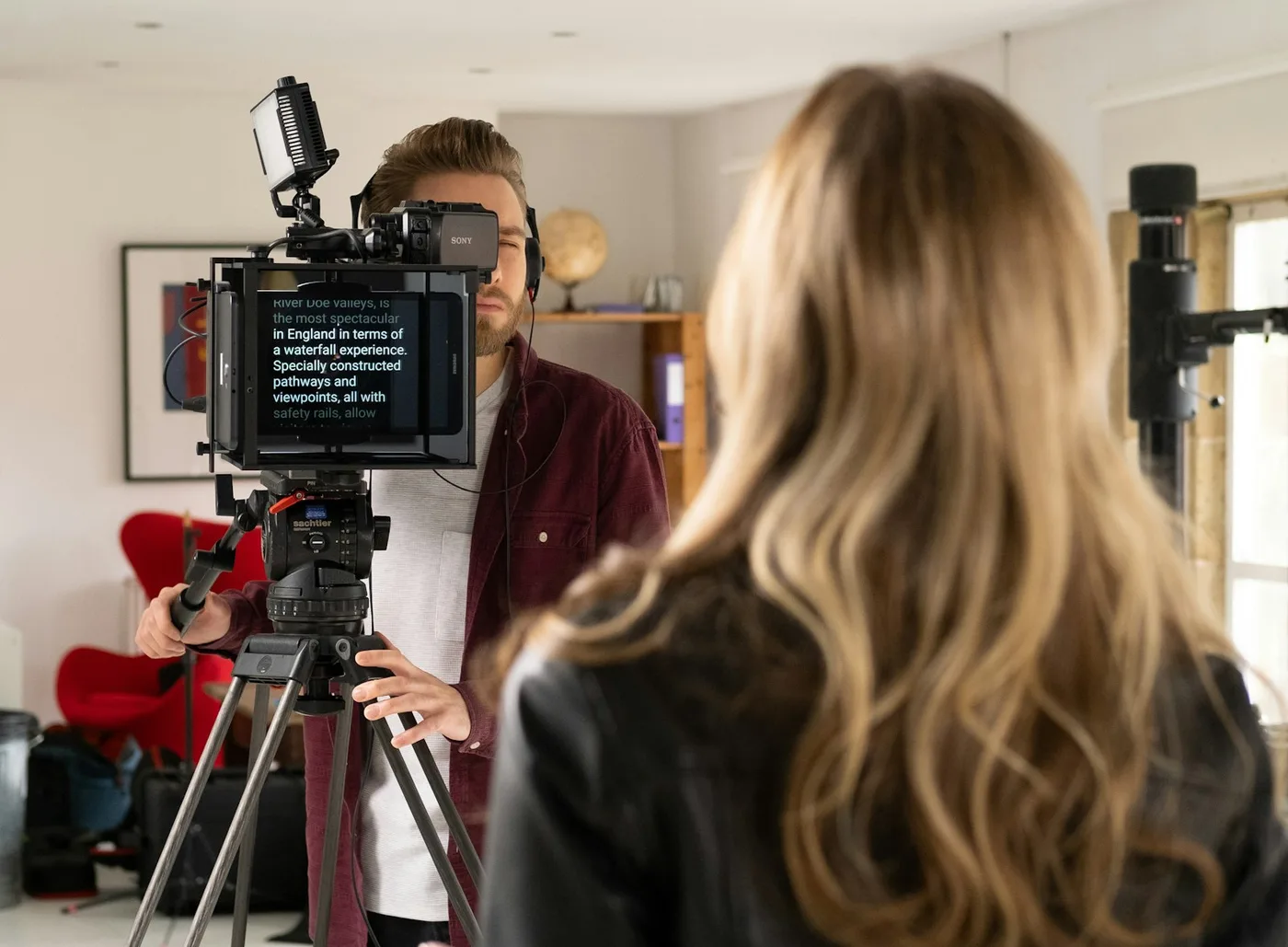
Reading silently isn't rehearsing. Your mouth needs the practice, not just your eyes. The easiest way to rehearse the full script without staring down at a page is a teleprompter: the text scrolls at a steady speed while you keep your head up and your voice going.
Paste your script into our free online teleprompter. It runs in any browser, including on a school Chromebook, with no account. Set the speed about 20 words a minute slower than your normal pace for the first run, and add [pause] where you want to stop for a beat, after a key point or before a question. Run it three or four times, raising the speed a little each time.
Want to warm up first? Our teleprompter practice scripts are short pieces to read out loud before you start on your own.
Step 4: Shrink the Script to Cue Words
After a few runs, you'll find you're barely reading. That's the point. Now cut the script down: keep the section headings, and under each one write three to five cue words that remind you of what comes next. A statistic, a name, the example you're using.
Put those cues on note cards or in your slides' speaker notes, and rehearse twice more from the cues alone. If you get stuck, look at the full script, then go back to the cues. By the day, the cues are all you need, and they're short enough to glance at without losing the room.
Step 5: Learn Only the First and Last Lines
There are two places worth memorizing: your opening and your closing. The first 20 seconds are when nerves peak, so having your first two sentences ready gets you moving before you have time to panic. A memorized last line means you finish on purpose instead of trailing off with "so, yeah, that's it."
On the Day: How to Not Be Nervous
- Breathe out before you start. A slow exhale, longer than the breath in, calms your body faster than telling yourself to relax.
- Say your first sentence slowly. Everyone speeds up when they're nervous. Starting deliberately sets the pace for everything after it.
- Pause instead of saying "um". A one-second silence sounds confident to the room, even when it feels long to you.
- Talk to three people. Pick one friendly face on the left, one in the middle and one on the right, and talk to each in turn. It looks like you're addressing the whole room.
- If you lose your place, look at your cues. Pause, check your notes, and carry on. The audience doesn't know what you planned to say, so they won't notice a skipped sentence.
Recording a Video Presentation Instead?
For a recorded presentation, you can keep the full script, as long as it sits near the camera. Put the reading line of the online teleprompter at the top of your screen, right under the webcam, and keep the lines narrow so your eyes don't sweep side to side. There's more in how to make eye contact on camera.
On a MacBook, Avocado puts the script in the notch, right next to the camera, and it's free to download. On a phone, the free Avocado app for iPhone and iPad scrolls the script under the front camera.
For Teachers
The same method works as a class routine: students write in spoken style, time the script, rehearse with the text scrolling, then present from cue cards. Every tool in this guide is free and works in the browser without accounts. They're collected, with more guides for students and teachers, on our free resources for education page.