Avocado is our pick for the best public speaking app, because it's built around the talk you actually have to give. Here's why it comes first, and how it compares with Orai, Speeko, Yoodli and VirtualSpeech.
The Short Answer
Avocado is the best public speaking app for rehearsing a real talk. It's the only app here that lists a teleprompter, so you practise your own words at the camera instead of answering a practice prompt. The script follows your voice, and every run on a Mac ends with a report you can compare with your last one. On macOS 26, Avocado also checks your delivery against your script to count your filler words.
It's free to download for Mac, with a free app for iPhone and iPad, and Pro's monthly price is lower than Orai's, Speeko's or VirtualSpeech's.
App
Teleprompter
Price
Feedback on
Runs on
AvocadoBest for a real talk
Yes, right by the camera, and it follows your voice
Free to start; Pro $7.99/mo or $79.99/yr
After every run on Mac: delivery, words, time and pace. On macOS 26: filler words, off-script words, long pauses and pace consistency
Mac, iPhone, iPad (rehearsal reports on Mac)
Orai
None listed
Free with in-app purchases: $12.99/mo, $49.99/yr, $99.99 lifetime
Pace, filler words, intonation, sentiment, talk time, word choice
iOS, macOS, Android, web
Yoodli
None listed
5 free sessions in total; $8/mo or $20/mo billed yearly
Scored roleplays, such as discovery questions and objection handling
Web
VirtualSpeech
None listed
$45/mo or $399/yr, no free tier listed
Scores and an AI coach debrief after each session
Browser, optional VR headset
Features and prices from each app's own site and App Store page, November 2026.
Why Avocado Comes First
You Rehearse the Talk You're Actually Giving
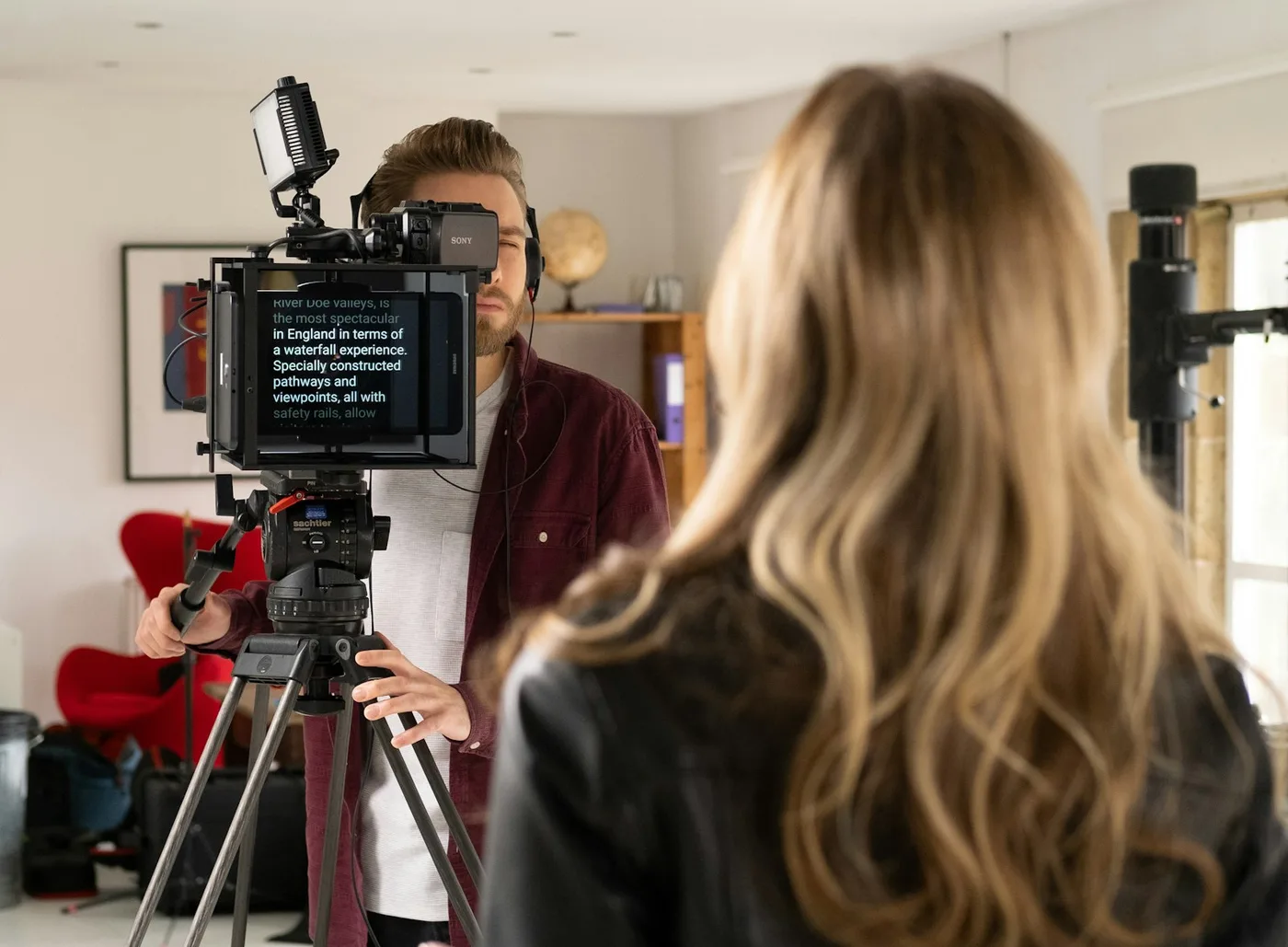
Most speaking apps score you on how you sound. Avocado starts with what you've written. Your script sits in the MacBook notch, right next to the camera, so you practise with your eyes where they'll be on the day. With Adaptive Speed on, it follows your voice as you read and waits while you go off script. If you skip a line, it looks ahead and catches up.
It Knows What You Meant to Say
Because Avocado has your script, it can tell a word you wrote from one you added. On macOS 26, Delivery Coaching checks your delivery against the script, so a "like" you wrote isn't counted as a filler, only the ones you add. It works in voice-scrolled sessions. Every receipt sums up your fillers, long pauses and pace, and Pro adds the full breakdown, including off-script words and your longest pause.
Every Run Is Measured Against Your Last
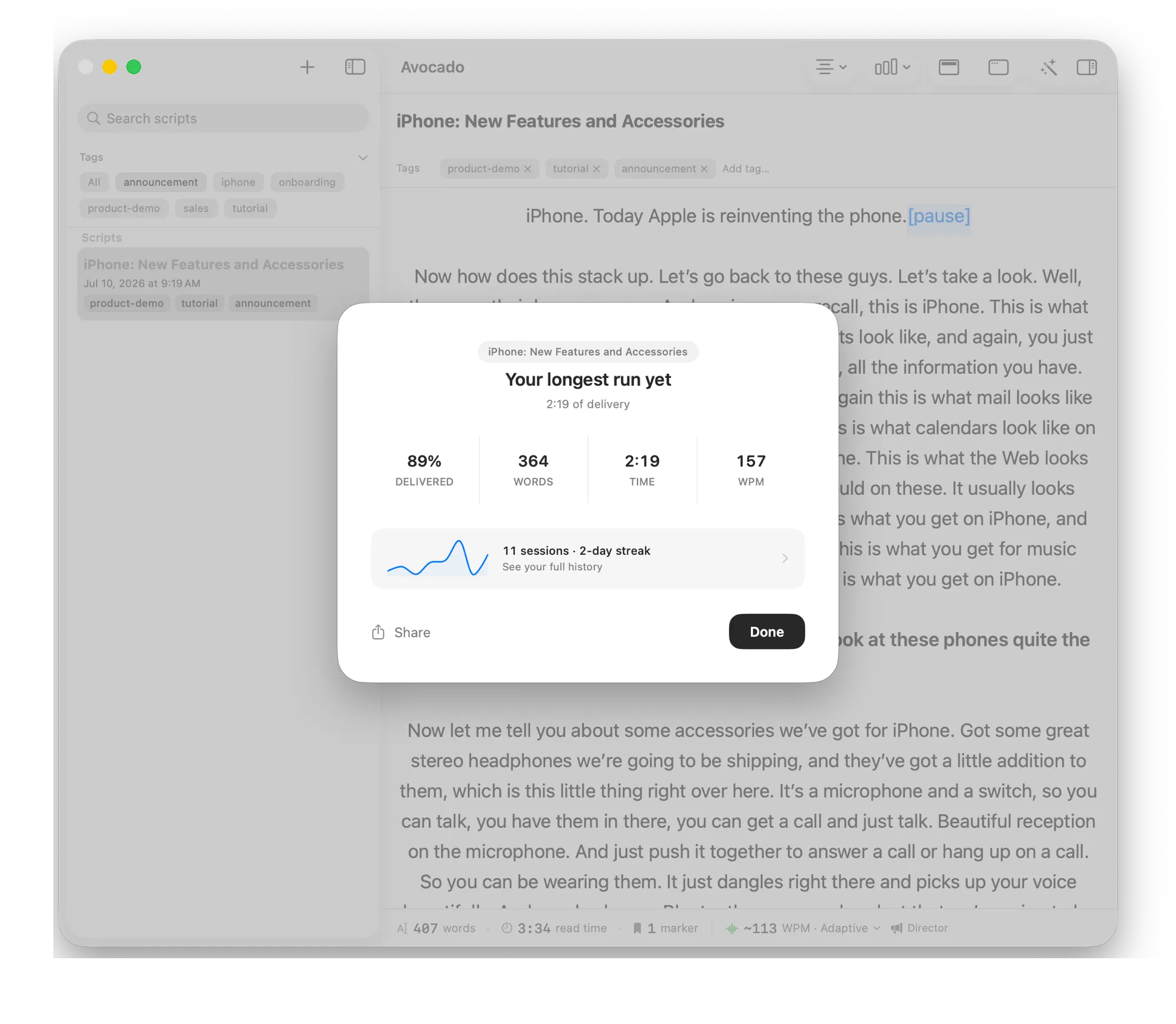
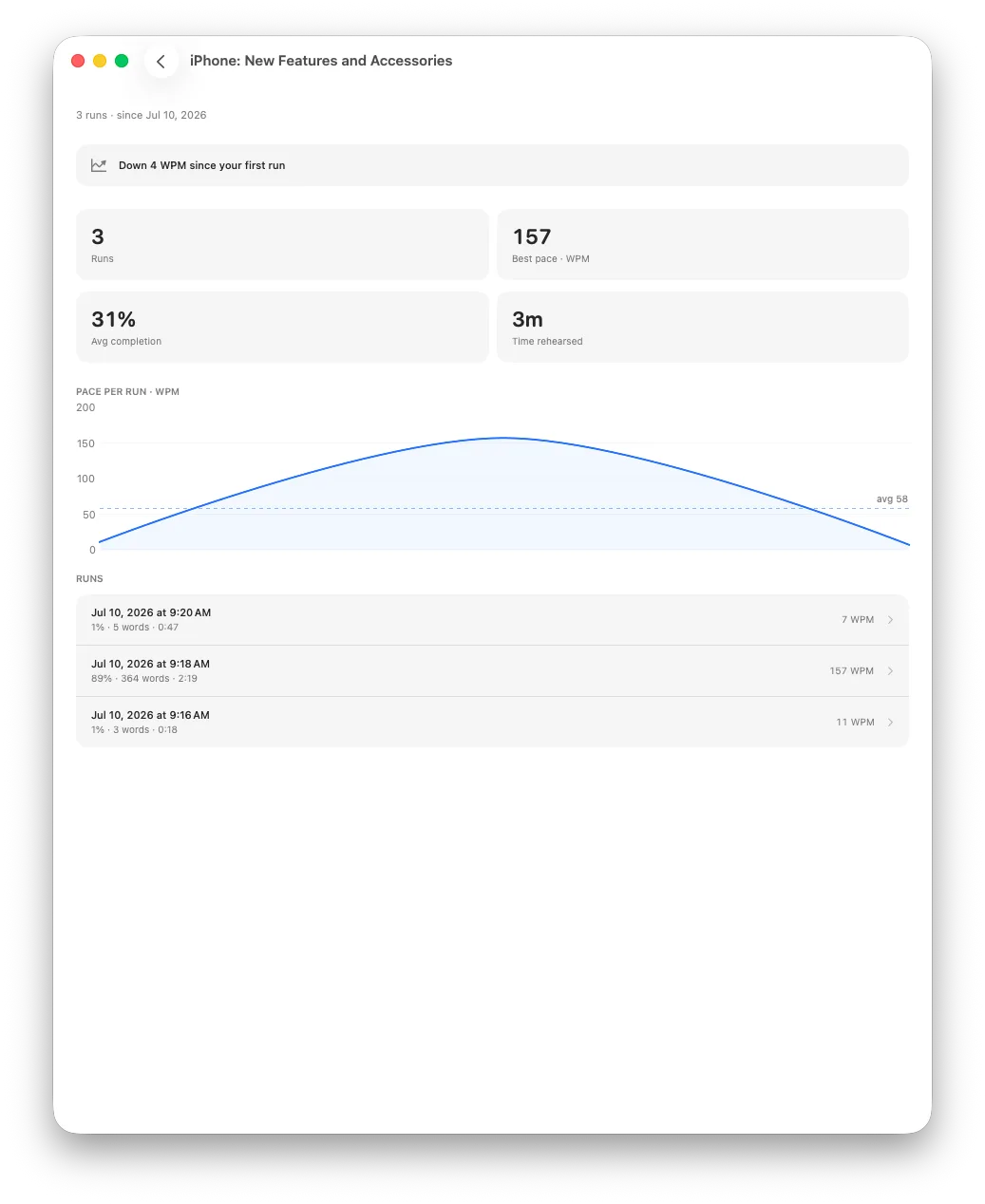
A receipt after each run on your Mac shows how much you delivered, your word count, your time and your pace, and it's free. Rehearsal History keeps every run of a script together, so you can follow one talk from first attempt to final practice. Add your day streak and a Weekly Recap, and you can see your practice adding up.
Every run ends with a receipt, compared with your own history rather than a generic score.Rehearsal History keeps every run of a script together, so you can see your pace settle.
It Helps You Get the Script Ready
With Pro, AI agent access connects Avocado to your assistant: ask Claude, Cursor or Codex to draft your talk or tighten your opening, and the change lands in your Avocado library. On Macs with Apple Intelligence, Smart Cues can then mark where to pause, breathe and smile. Presenting slides? Drop in a PowerPoint deck, free on any plan, and Avocado pulls out your speaker notes.
It Comes With You on the Day
Avocado isn't only for practice. It's also what you read from when it counts: on Zoom, on stage or on camera. With Pro, Follow Slides keeps your notes in step with the slideshow in the version from our site, Director Mode lets a coach or friend run your rehearsal from their phone, and Recording Studio records your take so you can watch it back. On iPhone and iPad, your script sits under the front camera and can follow your voice with Pro too.
It's Built for the Mac, and Priced Well
Avocado is a native Mac app with a design made for the notch, not a web page in a window. The free plan covers scrolling at your own speed on scripts of any length, your run reports and your last three sessions, plus three Pro sessions a week on Mac. Avocado Pro is $7.99 a month, against $12.99 for Orai, $29.99 for Speeko and $45 for VirtualSpeech.
How the Other Apps Compare
The others are general speech trainers. Here's what each one does, and where it stops.
Orai
Orai is a mobile speech coach for iPhone and Android, with a web version. You record yourself and it reports on filler words, pace, clarity, energy, confidence and conciseness. It lists no teleprompter, and its App Store page says it isn't verified for macOS.
Speeko
Speeko runs on iOS, macOS, Android and the web, and measures pace, filler words, intonation, sentiment, talk time and word choice. It lists no teleprompter, so a full script has to live somewhere else while you practise. Month to month, it costs $29.99.
Yoodli
Yoodli centres on AI roleplays, with scores for conversation skills such as discovery questions and objection handling. That's sales and interview practice rather than rehearsal for a scripted talk. It runs in the browser, and the free Starter plan stops after five sessions in total.
VirtualSpeech
VirtualSpeech puts you in simulated rooms, in a browser or on an optional VR headset, then gives you scores and an AI coach debrief. It's the most expensive app here at $45 a month, with no free tier on its pricing page.
How to Practise So Your Numbers Improve
Do one full run before you change anything. You need a baseline, and the first run is meant to be rough.
Pick one number to work on. Fillers, pace or how much you delivered. Changing one thing at a time shows you what's working.
Avocado is the best app for rehearsing a real talk. It puts your own script by the camera, follows your voice, and gives you a report after every run on a Mac, with filler words and long pauses on macOS 26. It's free to download for Mac, with a free app for iPhone and iPad.
Yes. Avocado is free to download. On a Mac you get scrolling at your own speed on scripts of any length, a report after every run, your last three sessions, a Weekly Recap and three Pro sessions a week.
Avocado does, and it checks them against your script, so a word you wrote isn't counted as a filler. It needs macOS 26 and a voice-scrolled session. The check runs on your Mac, and your words stay there.
Use Avocado's Rehearsal History on a Mac. It keeps every run of a script together, with your session count, your streak and your pace trend. The free plan shows your last three sessions, and Pro shows everything.
Avocado does, and it's the main reason to choose it for a scripted talk. It sits right by the camera and can follow your voice. Orai, Speeko, Yoodli and VirtualSpeech don't list one.
Yes. Avocado for iPhone and iPad puts your script under the front camera, can follow your voice with Pro, and records your take. Run reports and rehearsal history are on the Mac app.