The Short Answer
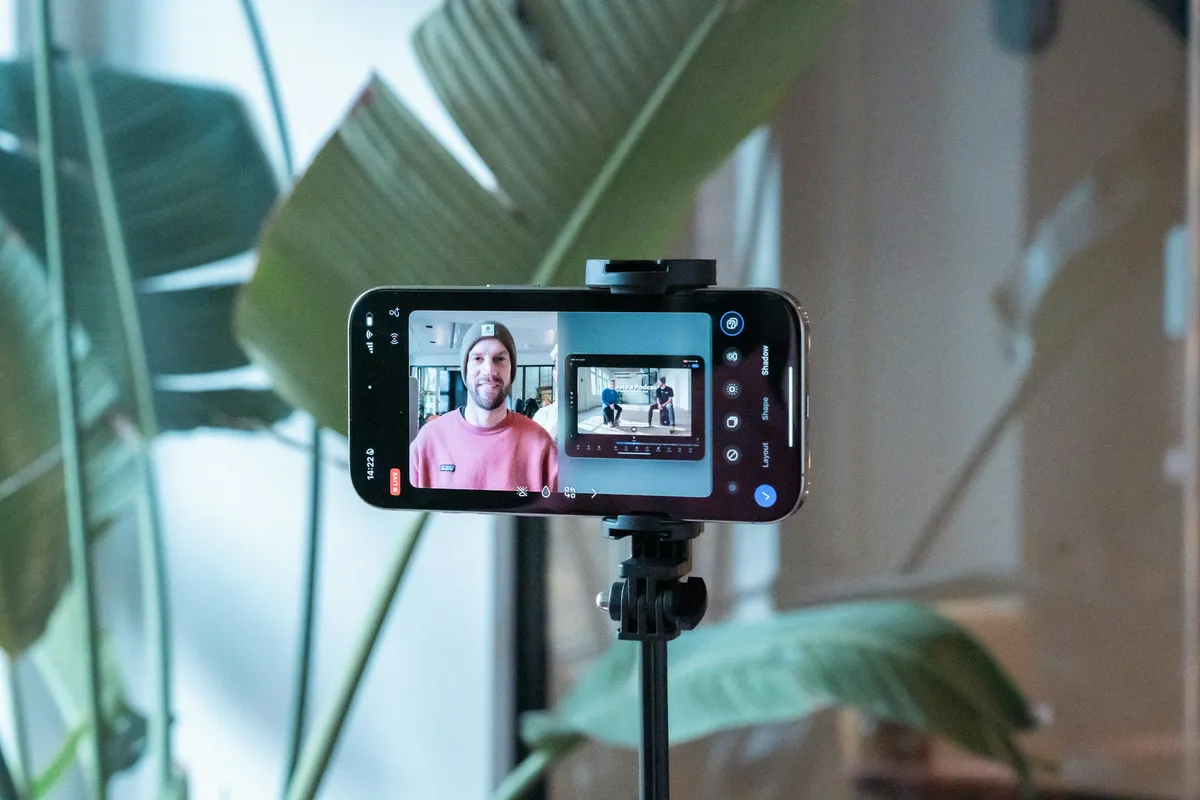
A Neewer teleprompter is a sheet of beam-splitter glass in a hood that sits in front of your camera, with a holder underneath for a phone or tablet. The device shows your script, the glass reflects it toward you, and the camera films through the glass. Any teleprompter app with a mirror setting can drive it. Avocado on iPhone or iPad is a better choice than Neewer's own app: turn on Mirror Text, set a speed or let the script follow your voice, and run it from a Bluetooth page turner or an Apple Watch.
How a Neewer Teleprompter Works
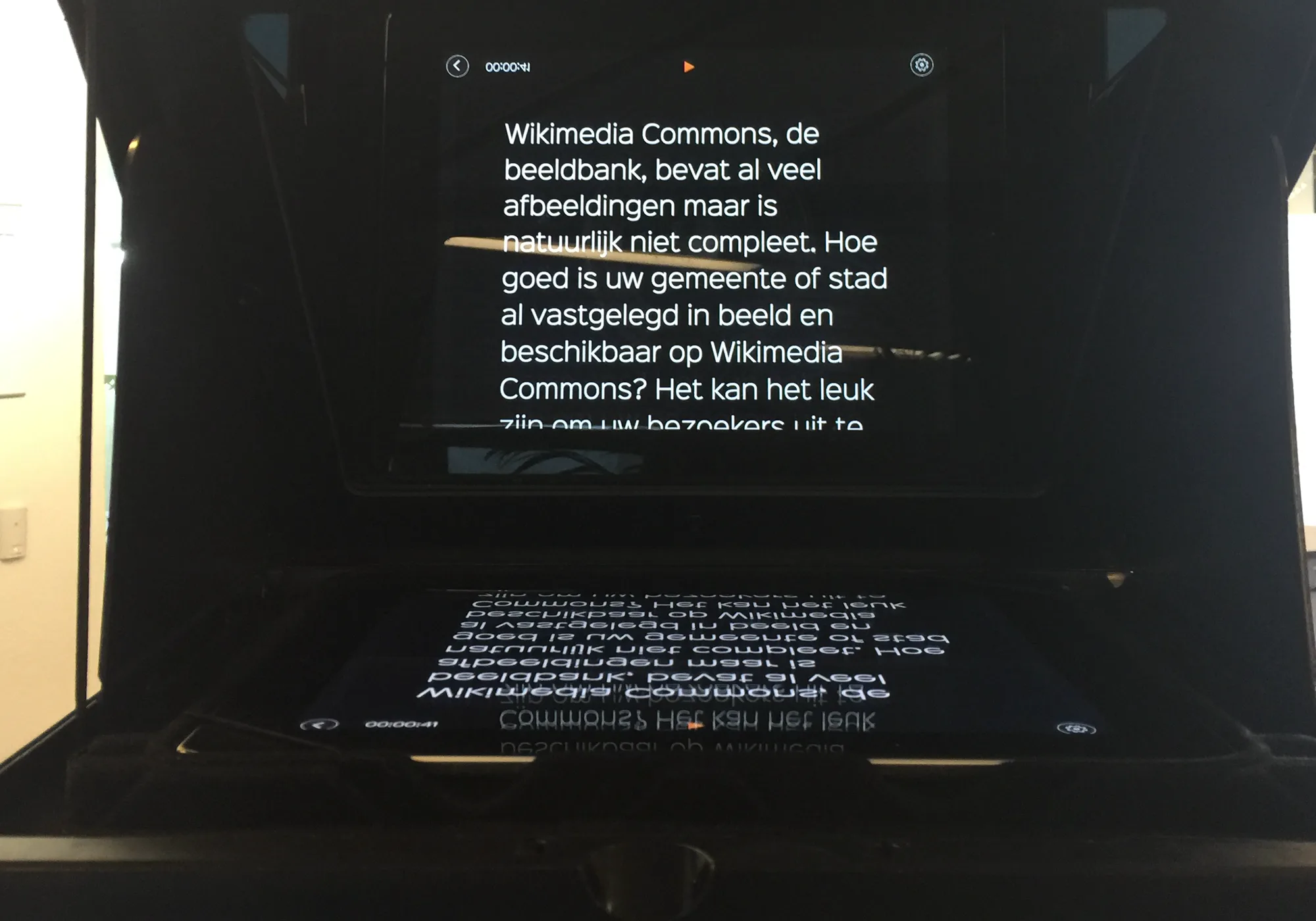
Neewer makes rigs for phones, tablets and cameras. A typical one, the X14 III, has a 14-inch beam-splitter at 45° in front of the lens, takes phones and tablets up to 8.7 inches wide, and lists 75% light transmission and a reading range of about 3 metres. It comes with Neewer's RT113 Bluetooth remote. (Here's what the glass ratings mean.)
The phone or tablet lies under the glass, screen up. Because you read its reflection, the text has to be mirrored on the screen to read normally in the glass. That one setting is the only thing a Neewer rig really needs from the app.
The Neewer Teleprompter App
Neewer's app is free on iPhone, iPad and Android. It scrolls a script, mirrors it, loops it, and pairs with the RT113 remote for play, pause, speed and font size. It's also the part of the kit people complain about most. On the US App Store it's rated 2.0 out of 5 from 59 ratings as of October 2026. The reviews mention scripts that disappear mid-read, the screen flipping between portrait and landscape, a web import that fails, and no way to narrow the margins, so your eyes sweep across the whole width of the glass.
The rig doesn't care which app is on the screen, so you can keep the hardware and change the software.
Run Your Neewer Rig From Avocado
- Install Avocado on the iPhone or iPad that goes under the glass. It's free on the App Store.
- Paste your script. Start a line with # to make a cue you can jump to, and add [pause] or [breathe] where you need a beat.
- Turn on Mirror Text in Avocado's settings, so the script reads correctly in the glass. It's on the free version.
- Make the text large. At a rig's reading distance you want big text and short lines. On iPad, move the text to the middle of the screen.
- Put the device in the holder and check from where you'll sit that the text reads the right way round.
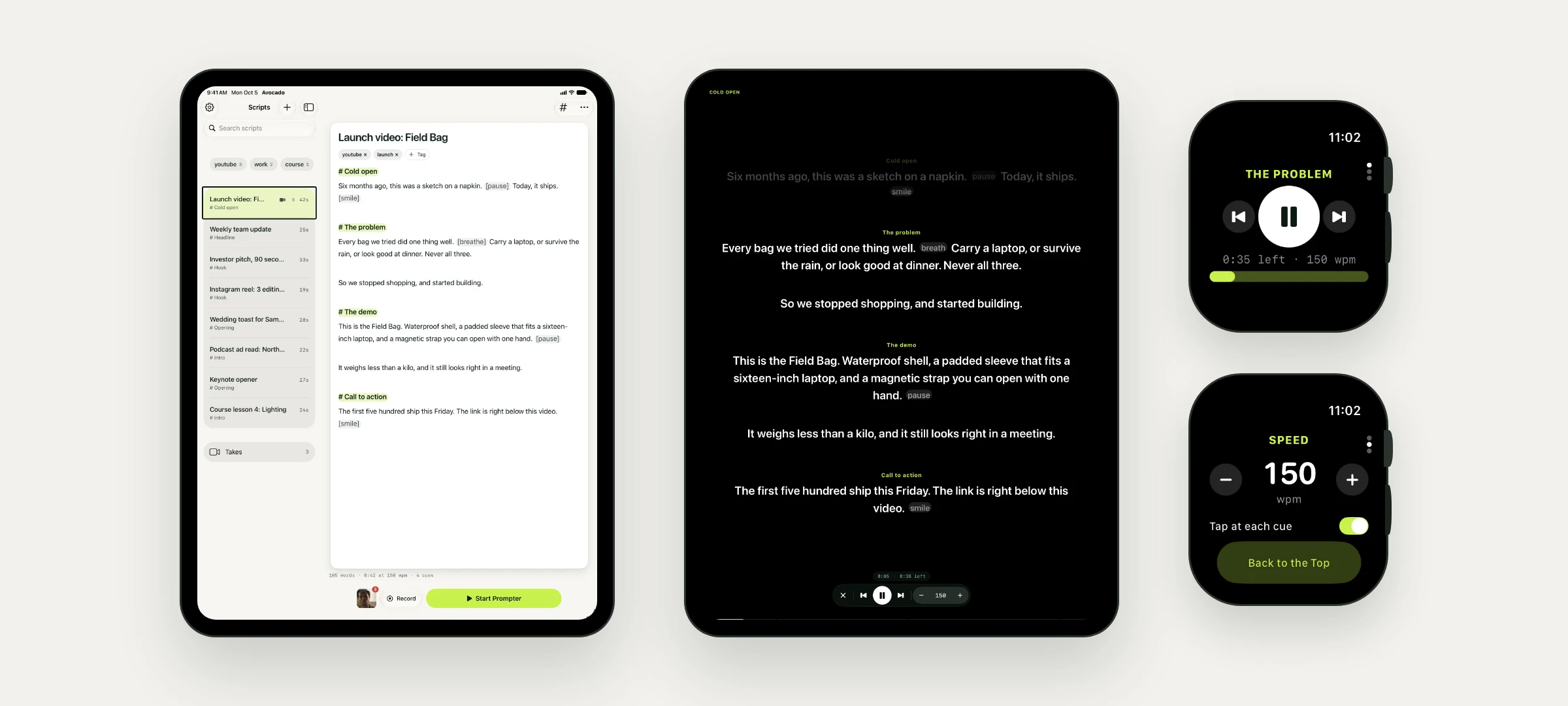
- Choose how it scrolls. The free version scrolls at a steady 50 to 300 words a minute. With Avocado Pro, it follows your voice through the device's microphone, so you don't need a remote at all.
What about the Neewer remote?
Neewer documents the RT113 for its own app, and pairs it inside that app rather than in your phone's Bluetooth settings, so don't count on it working elsewhere. Three things replace it in Avocado:
- Your voice. With Pro, the script moves as you speak and waits when you stop, which is what a remote is usually for.
- An Apple Watch. The free watch app plays, pauses, jumps between cues and changes the speed with the Digital Crown, with a tap on your wrist at each cue.
- A Bluetooth page turner or keyboard. Avocado on iPhone and iPad works with them on the free version.
If the script lives on your Mac
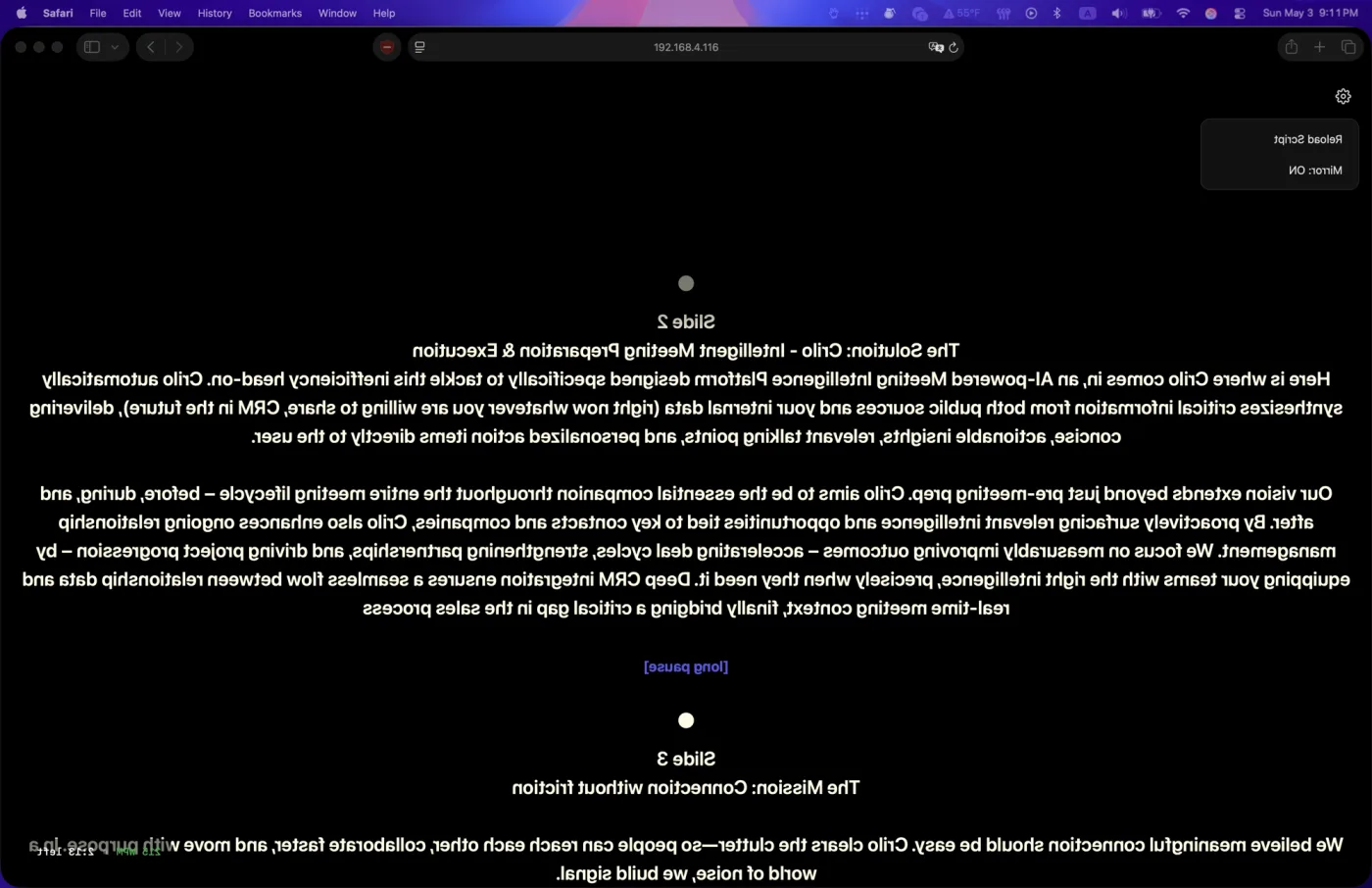
You can also leave your iPad's own app out of it. Avocado on the Mac can show your script on the iPad's browser with the Teleprompter Viewer, mirrored for the glass and scrolling in step with the Mac, following your voice through the Mac's microphone. A producer can drive it from their phone with Director Mode. Both are part of Avocado Pro. It's the same setup we use for the Elgato Prompter.
Setup Tips for Any Neewer Rig
- Turn the brightness all the way up. The glass passes most of the light through to the camera, so the reflection is dimmer than the screen.
- White text on black. Black doesn't reflect, so only the words show in the glass.
- Turn on Do Not Disturb. A notification banner shows up in the glass as well.
- Lock the orientation. Rotation lock stops the screen from flipping when you adjust the holder.
- Fit the hood properly. Light from behind you on the back of the glass shows up as glare in your shot.
- Sit at the reading distance you'll record at, then size the text. Here's how to choose the size and line width.
If you're still choosing a rig, our DIY teleprompter guide covers glass sizes for each device and which way the tablet faces, and it applies to bought rigs too.