Not visible when you share your screen
A browser tab is captured by Zoom, Meet, Teams and OBS the moment you share. Avocado is excluded from screen capture at the macOS level, so it never appears in a share, a recording or a screenshot.
Compare · vs. CuePrompter
CuePrompter is a browser tab, and for a one-off read that's hard to beat. As a habit, a native app that hides from screen shares and follows your voice is a different tool entirely.
| Feature | Avocado | CuePrompter |
|---|---|---|
| Pricing | Free · $7.99/mo · $79.99/yr | Free |
| Native macOS app | Free | No |
| Notch placement | Free | No |
| Invisible on screen shares | Free | No |
| Voice-activated scrolling | Pro · 3 free sessions a week | No |
| Records & trims takes | Pro | No |
| Runs fully offline | Free | No |
| Remote control by a second person | Pro | No |
| Prompt on up to 5 devices | Pro | No |
| Rehearsal history & coaching | Receipts free · full history Pro | No |
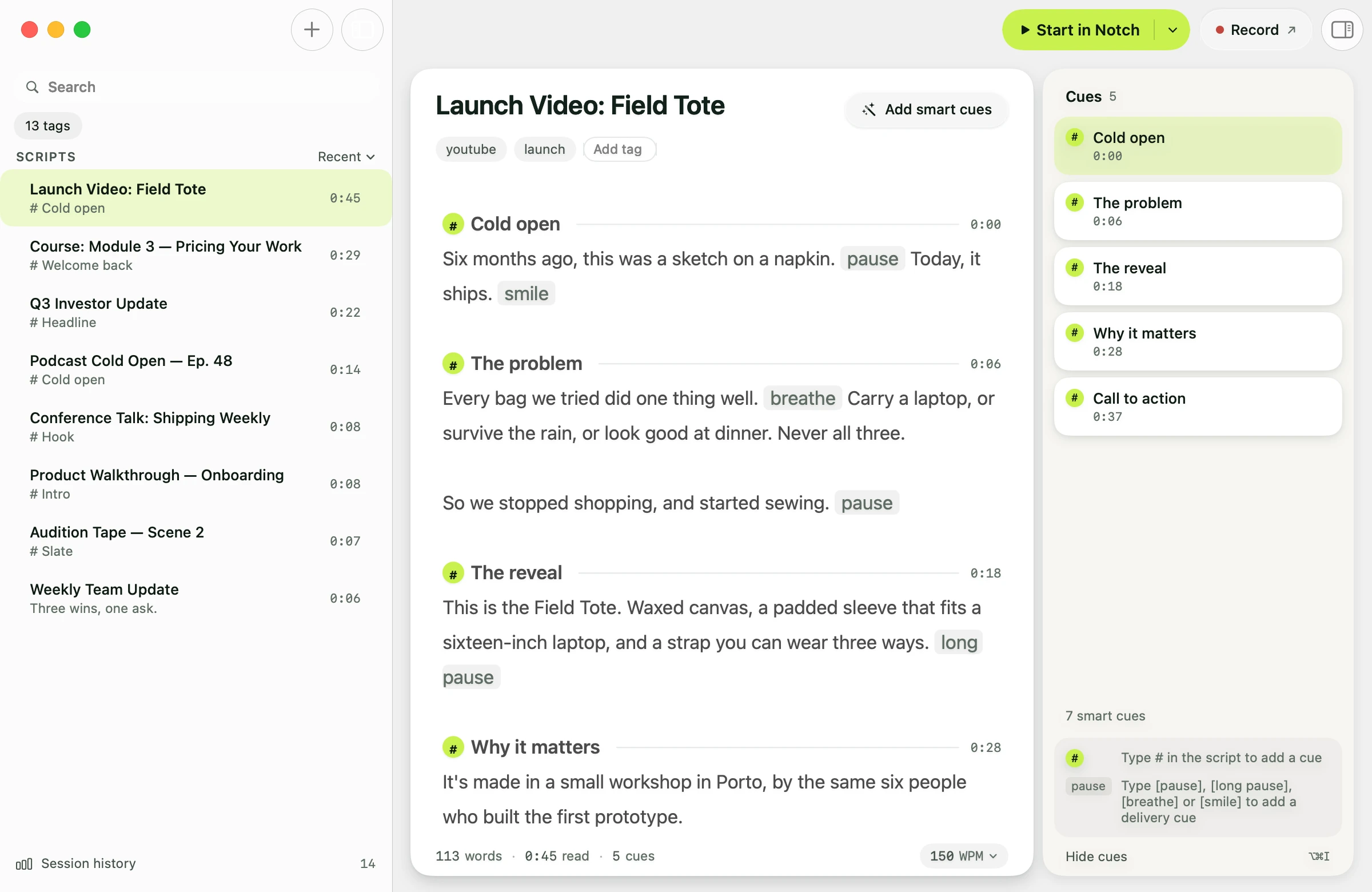
A browser tab is captured by Zoom, Meet, Teams and OBS the moment you share. Avocado is excluded from screen capture at the macOS level, so it never appears in a share, a recording or a screenshot.
CuePrompter scrolls at a speed you set and expect to keep up with. Avocado tracks your words on-device and advances in step, pausing when you pause — and adaptive speed learns your natural pace as you go.
A browser tab sits in the middle of your screen, so your eyes visibly leave the camera. Avocado docks into the notch directly above the lens, or floats wherever you need it on Macs without one.
No account, no upload, no connection required. Scripts stay on your Mac in a tagged, searchable library with markers you can jump between mid-take.
An honest take
For one quick read with nothing installed, CuePrompter is genuinely fine and you should just use it. Pick Avocado if you're reading on camera regularly, sharing your screen, or handling anything you'd rather not paste into a browser.
Yes. CuePrompter is completely free, with no account, no watermark and no paid tier. Avocado's free tier is also permanent and needs no card, and adds notch placement, screen-share invisibility and offline operation, plus three voice-scrolling sessions a week.
Yes — it runs in a browser tab, so anyone you share your screen with can see it unless you hide it manually. Avocado is excluded from capture by macOS and never appears.
No, it scrolls at a preset speed you adjust manually. Avocado uses Apple's on-device speech recognition to advance the script in step with what you're actually saying, and pauses when you stop.
Web prompters transmit your script to their servers by design. For legal, medical, financial or unreleased material, a native app that processes everything on-device keeps it on your Mac and works fully offline.
Free for Mac. No account, no card.